Step 1: Open Your Solflare Wallet
- Open your Solflare mobile app or browser extension.
- If you don’t have a wallet yes, download here.
Need help setting up your wallet? We got you: How to Set Up Your Solflare Wallet
Buying crypto with good old-fashioned fiat takes no more than a few taps in Solflare.
For anyone entering crypto, one of the first questions that comes up is: “How do I actually buy it?”. The answer starts with something called a fiat on-ramp—a way to turn a traditional fiat currency (a.k.a. your everyday money, like euros, dollars, or pounds) into a cryptocurrency.
With Solflare, this process is easier than ever. Instead of going through centralized exchanges, making multiple transfers, and worrying about where your funds are stored, you can buy SOL directly with USD, EUR, and other fiat currencies inside the Solflare wallet. The crypto you purchase goes straight into your self-custody wallet, meaning you’re in full control from day one.
In this guide, we’ll walk you through exactly how to buy crypto with your fiat money using your Solflare wallet—so you can dive into the Solana ecosystem with confidence.
Buying crypto with fiat in Solflare is designed to be quick, simple, and secure. Here’s how it works:
Need help setting up your wallet? We got you: How to Set Up Your Solflare Wallet
*This option is available in the US only. US users on Apple or Android devices can buy SOL faster with less friction — see Fast crypto buying below.
If this is your first fiat purchase through the standard onramp, you may need to complete KYC by verifying your identity with a government-issued ID.
Pro Tip: Buying SOL first is a smart move since it powers all transactions on the Solana network. From there, you can easily swap into other Solana tokens inside Solflare.
If you’re in the US, Solflare offers a faster way to buy crypto, powered by an integration with Coinbase.
Instead of full identity verification, you only need to confirm your email and phone number to get started. Pay with Apple Pay or Google Pay and your crypto arrives in seconds.
A few things to know:
To use it: tap Deposit → select “Buy crypto quickly” → pay with Apple Pay or Google Pay.
Buying crypto directly with fiat inside Solflare comes with several advantages compared to going through third-party exchanges:
With this integrated on-ramp, Solflare makes entering the Solana ecosystem as smooth and secure as possible.
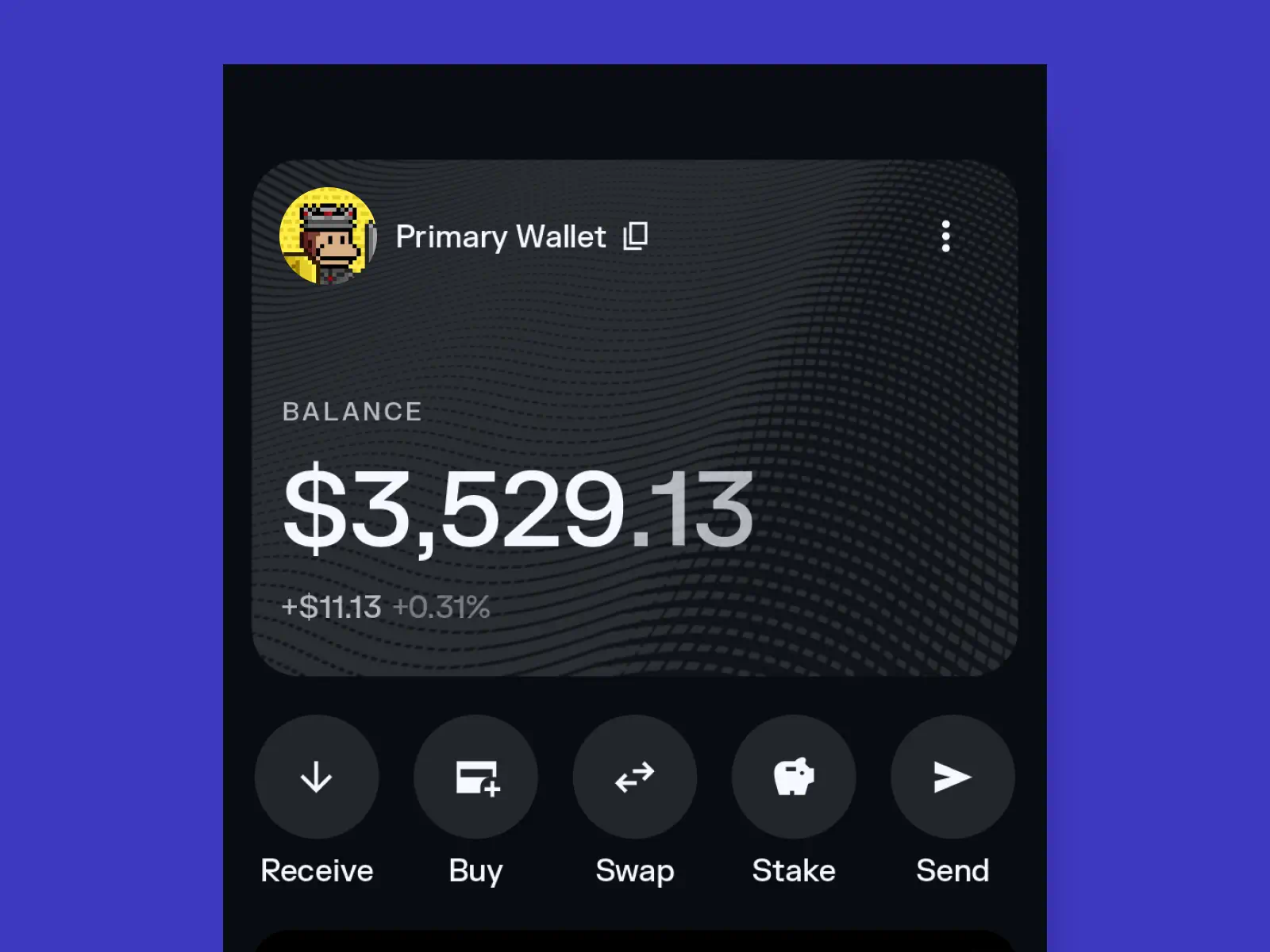
Once your purchase is complete, your crypto will appear directly in your Solflare wallet. From here, you’re in full control of what happens next:


Pro Tip: Even if you’re just testing the waters, managing your first purchase inside Solflare helps you quickly understand the basics of crypto ownership — all from one user-friendly place.
Buy SOL, USDC, and other tokens on Solana in seconds with your card, bank transfer, Apple Pay, or Google Pay. US users can unlock higher limits right inside the app (no extra accounts or waiting).