Solflare
51k Ratings
Install
App Guides

How to Buy Crypto With Fiat Using Solflare

8 min read

Buying crypto with good old-fashioned fiat takes no more than a few taps in Solflare.

For anyone entering crypto, one of the first questions that comes up is: “How do I actually buy it?”. The answer starts with something called a fiat on-ramp—a way to turn a traditional fiat currency (a.k.a. your everyday money, like euros, dollars, or pounds) into a cryptocurrency.

With Solflare, this process is easier than ever. Instead of going through centralized exchanges, making multiple transfers, and worrying about where your funds are stored, you can buy SOL directly with USD, EUR, and other fiat currencies inside the Solflare wallet. The crypto you purchase goes straight into your self-custody wallet, meaning you’re in full control from day one.

In this guide, we’ll walk you through exactly how to buy crypto with your fiat money using your Solflare wallet—so you can dive into the Solana ecosystem with confidence.

Step-by-Step Guide to Buying Crypto With Fiat in Solflare

Buying crypto with fiat in Solflare is designed to be quick, simple, and secure. Here’s how it works:

solflare app home screen - deposit button
crypto buying methods in the solflare wallet
token list in Solflare mobile app
entering the amount of crypto to buy in Solflare
choosing a payment method in Solflare
completing KYC verification in Solflare
confirming a payment in Solflare
solflare app home screen - deposit button
crypto buying methods in the solflare wallet

Step 2: Tap the “Deposit” button

  • On your portfolio page or any individual token page, tap “Deposit”.
  • You’ll see three options: buy crypto quickly (with Google or Apple Pay)*, buy with card or bank transfer, or receive funds from another wallet or exchange.
  • Select “Buy with card or bank transfer” to proceed with the standard onramp.

*This option is available in the US only. US users on Apple or Android devices can buy SOL faster with less friction — see Fast crypto buying below.

token list in Solflare mobile app

Step 3: Select the Token You Want to Buy

  • Choose from supported tokens (e.g., SOL, USDC, or other popular Solana tokens).
  • SOL is often the best starting point since it’s required for staking, fees, and most dApp interactions.
entering the amount of crypto to buy in Solflare

Step 4: Enter the Amount

  • Choose how much crypto you’d like to buy in your local currency (e.g., $100).
  • The app will display a real-time conversion rate.


choosing a payment method in Solflare

Step 5: Choose a Payment Method

  • Select your preferred option (credit/debit card, bank transfer, or available local methods).
  • Solflare partners with trusted providers to process transactions securely.
completing KYC verification in Solflare

Step 6: Complete Verification (If Required)

If this is your first fiat purchase through the standard onramp, you may need to complete KYC by verifying your identity with a government-issued ID.

confirming a payment in Solflare

Step 7: Confirm and Pay

  • Double-check your order summary.
  • Confirm the purchase and complete the payment through your chosen method.
  • Once processed, the crypto will appear directly in your Solflare wallet.

Pro Tip: Buying SOL first is a smart move since it powers all transactions on the Solana network. From there, you can easily swap into other Solana tokens inside Solflare.

Fast Crypto Buying (US Users)

If you’re in the US, Solflare offers a faster way to buy crypto, powered by an integration with Coinbase.

Instead of full identity verification, you only need to confirm your email and phone number to get started. Pay with Apple Pay or Google Pay and your crypto arrives in seconds.

A few things to know:

  • Available to US users only.
  • Standard limits: up to $500 per week, with a maximum of 15 purchases total.
  • Users can unlock up to $2,500 per week with no transaction cap, in seconds, right inside Solflare. Coinbase reviews and approves; most users are approved in seconds.
  • Both Apple Pay and Google Pay are supported.
  • Coinbase waives fees on USDC purchases up to $50,000 in total monthly volume across all Solflare users.

To use it: tap Deposit → select “Buy crypto quickly” → pay with Apple Pay or Google Pay.

Why Buy Crypto With Fiat in Solflare?

Buying crypto directly with fiat inside Solflare comes with several advantages compared to going through third-party exchanges:

  • All-in-One Experience – No need to juggle between exchanges and wallets. You can buy, store, swap, and stake crypto, all inside your Solflare wallet.
  • Simplicity – For beginners, it eliminates extra steps such as complex registration or an overwhelming interface with loads of options. You can start exploring Solana in just a few taps.
  • Fast buying for new users — If you’re in the US, Solflare’s fast buy option lets you get started with just an email and phone number confirmation. Pay with Apple Pay or Google Pay, and your crypto lands in your wallet in seconds. If you need more room, you can unlock higher limits right inside the app — up to $2,500 per week with no transaction cap.
  • Instant self-custody – The crypto you purchase goes straight into your Solflare wallet. You don’t have to worry about exchange risks or leaving your funds in someone else’s hands.
  • Built for Solana users – Since you’re buying directly into Solflare, you can immediately use your SOL to stake, swap, mint NFTs, or dive into Solana dApps—without moving funds around.
  • Supports global payments – Depending on your region, you can typically use credit/debit cards or bank transfers to buy SOL, making it easy to get started no matter where you are.

With this integrated on-ramp, Solflare makes entering the Solana ecosystem as smooth and secure as possible.

Managing Your Newly Purchased Crypto

Once your purchase is complete, your crypto will appear directly in your Solflare wallet. From here, you’re in full control of what happens next:
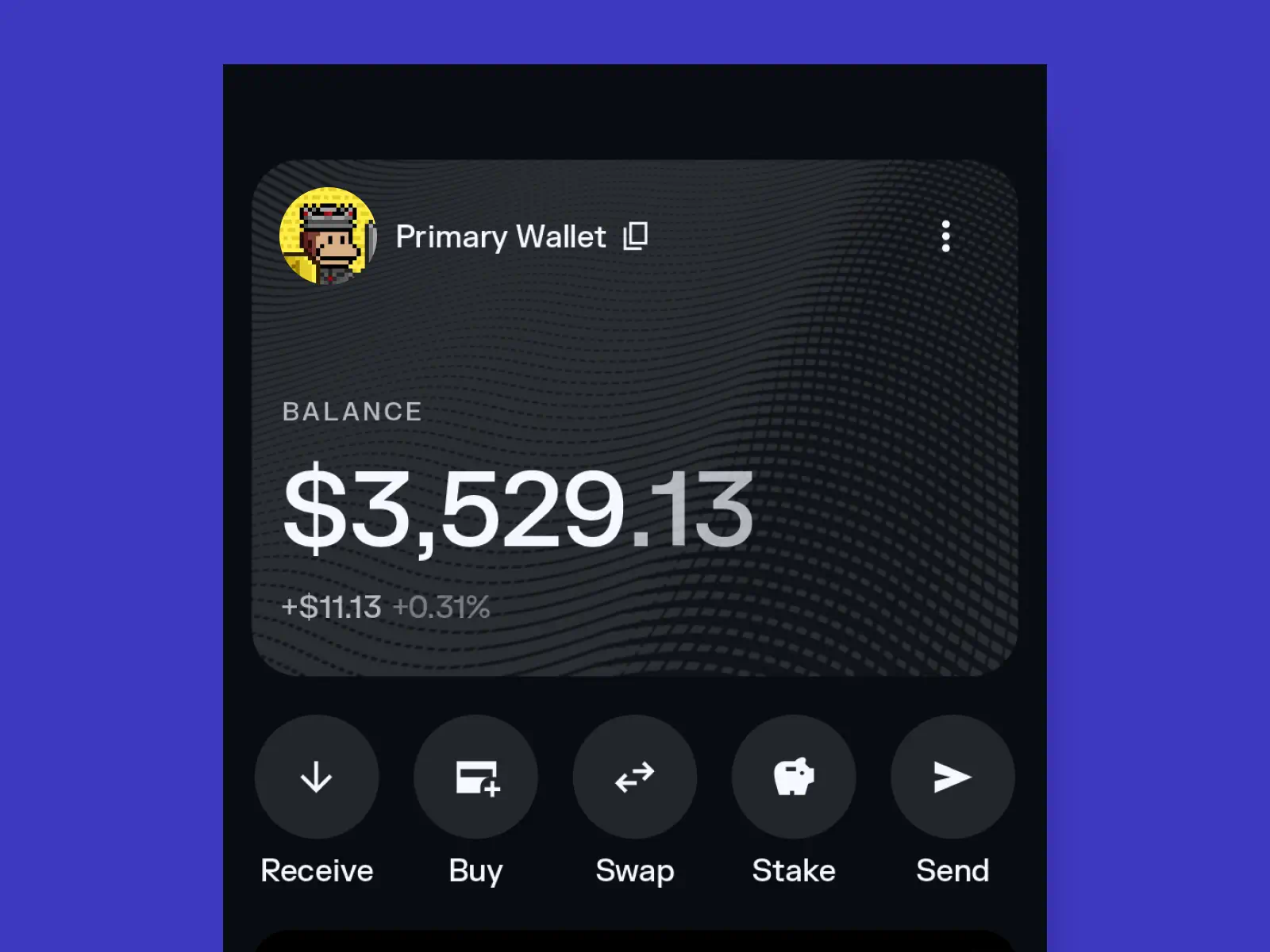
Track your balance in real-time

  • Your wallet dashboard gives you a clear overview of your holdings, their current market value, and recent activity.
  • You can also view price charts for individual tokens inside Solflare to stay on top of market movements.

tracking portfolio balance in Solflare

Swap into other tokens

  • Bought SOL but want exposure to another token? Solflare’s built-in Swap feature lets you trade for virtually any token on Solana in seconds — no need to connect to a DEX separately.
  • This flexibility means you can move from fiat to SOL to any Solana token without ever leaving the wallet.

swapping tokens in Solflare

Stake your SOL

  • Put your SOL to work by staking it directly from Solflare. This not only secures the network but also earns you rewards over time.

staking SOL in Solflare

Explore dApps and NFTs

  • With SOL in your wallet, you can connect to Solana’s vibrant ecosystem of decentralized apps (DeFi, gaming, NFTs, and more).
  • Solflare’s Explore tab makes discovering and connecting to these dApps seamless and secure.

exploring dapps in Solflare

Secure long-term storage

  • If you plan to hold your crypto, Solflare offers advanced security features, including scam detection, token checks, and optional hardware wallet integration.
  • This makes it easy to keep your assets safe, whether you’re holding short-term or long-term.

sercurity in Solflare

Pro Tip: Even if you’re just testing the waters, managing your first purchase inside Solflare helps you quickly understand the basics of crypto ownership — all from one user-friendly place.

Buy crypto with fiat in seconds

Buy SOL, USDC, and other tokens on Solana in seconds with your card, bank transfer, Apple Pay, or Google Pay. US users can unlock higher limits right inside the app (no extra accounts or waiting).

Share this guide: