How to buy Anchor Rights with your Solflare wallet?

Easiest ways to buy, swap, or transfer ANR directly into your Solflare wallet—step by step.

Looking to buy Anchor Rights? You can buy ANR easily using the Solflare Wallet, whether you prefer to use crypto or pay with fiat, like a credit card or bank transfer. Follow these steps to buy Anchor Rights using the Solflare mobile app or the browser extension.

Once you own ANR, Solflare lets you send it privately using the built-in Privacy Aggregator, and you can secure your holdings with a Solflare hardware wallet for maximum protection.

Anchor Rights Buying Guide: How to Buy Anchor Rights with Fiat Using Solflare Mobile app

Purchase Anchor Rights (ANR) instantly with your credit card, bank transfer, or Apple Pay inside the Solflare mobile app. Follow these easy steps to complete your fiat-to-crypto transaction and receive your tokens directly in your Solflare wallet.

Step 1 - Set Up or Open Your Solflare Wallet
Step 1

Set Up or Open Your Solflare Wallet

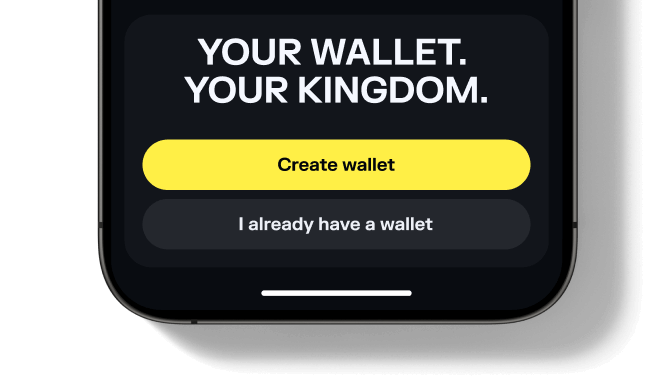
Open your Solflare mobile app and sign in to your wallet. If you're new, download the app and create a wallet in just a few minutes.

Don't have an account yet? See our beginner's guide to setting up a Solflare wallet.
Step 1 - Set up or Open your Solflare Wallet
Step 1

Set up or Open your Solflare Wallet

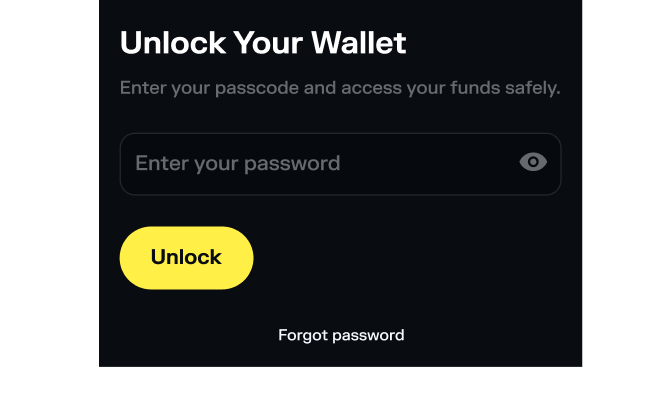
Download and install the Solflare extension for your browser. Open the extension and log in to your wallet. If you don't have a wallet yet, click 'I need a new wallet' to create one in minutes.

Need help getting started? See our Solflare wallet setup guide.
Step 2 - Tap "Buy" in Your Solflare Wallet
Step 2

Tap "Buy" in Your Solflare Wallet

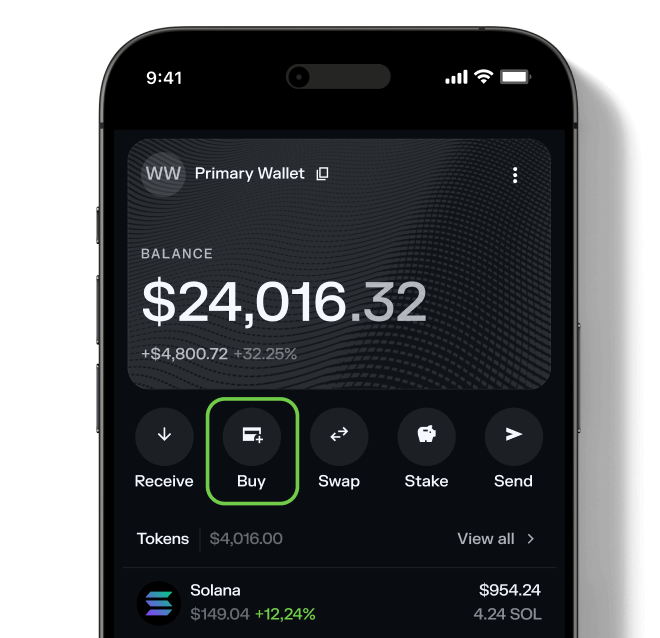
On the main screen, tap the "Buy" button to start the purchase process using integrated providers. This lets you purchase crypto securely without leaving the app.
Step 2 - Tap "Buy" in your Solflare Wallet
Step 2

Tap "Buy" in your Solflare Wallet

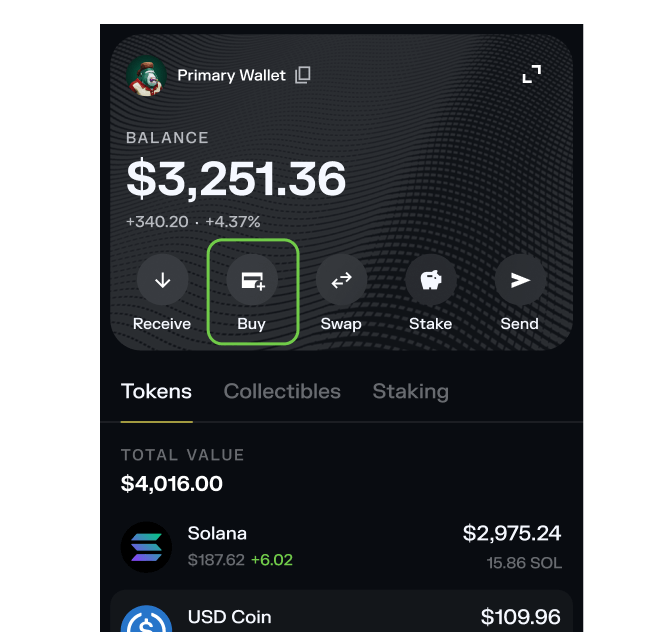
From the main screen of the Solflare extension, click the Buy button to start the purchase process using trusted fiat providers. No need to leave your browser—everything happens right inside Solflare.
Step 3 - Select Anchor Rights (ANR) to Buy
Step 3

Select Anchor Rights (ANR) to Buy

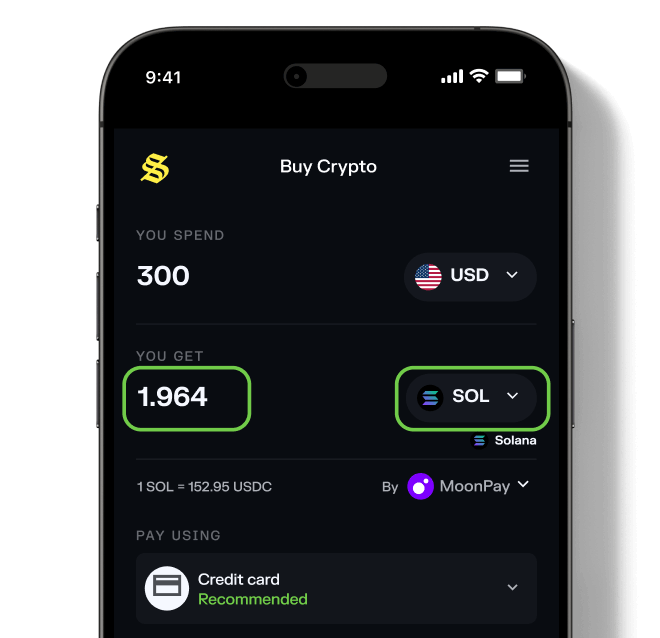
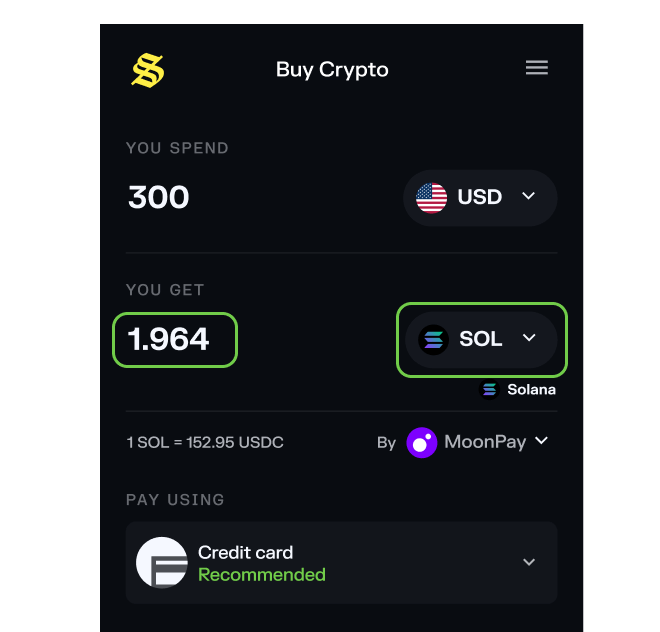
Search for Anchor Rights (ANR) and enter your desired purchase amount. Solflare lets you buy popular Solana tokens directly—no extra steps needed.
Step 3 - Select Anchor Rights (ANR)
Step 3

Select Anchor Rights (ANR)

Choose the token you want to buy and enter your desired purchase amount. Solflare supports a wide range of Solana tokens for direct fiat purchases.
Step 4 - Choose a payment method
Step 4

Choose a payment method

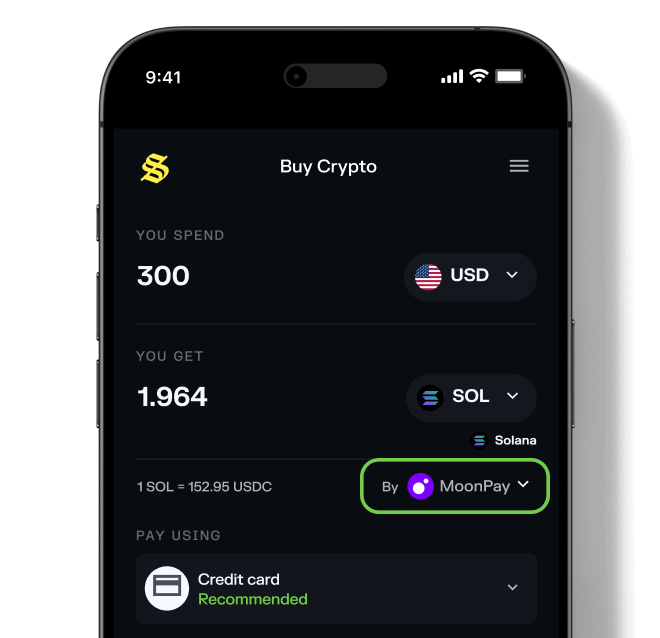
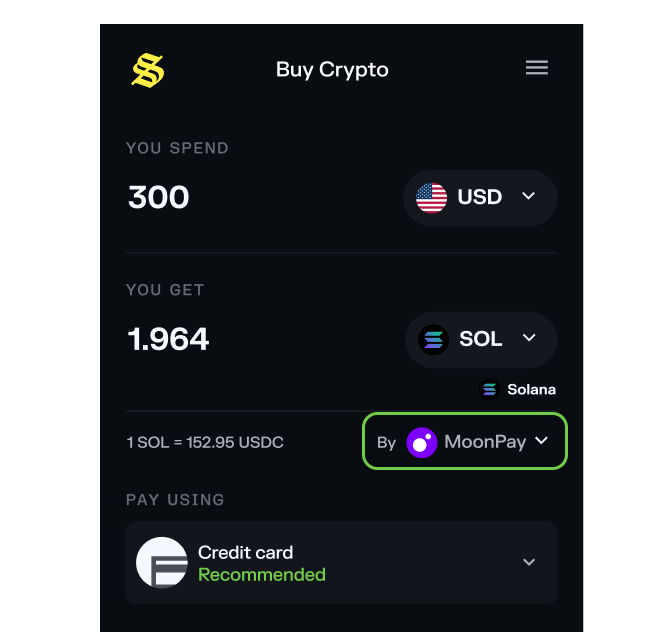
Select your preferred payment method. Once you do that, you can select from trusted payment providers like MoonPay, Stripe, or any other available provider to get the best price.

If you encounter any issues when choosing a provider, click here to learn more.
Step 4 - Choose a payment method
Step 4

Choose a payment method

Select your preferred payment method. Once you do that, you can select from trusted payment providers like MoonPay, Stripe, or any other available provider to get the best price.

If you encounter any issues when choosing a provider, click here to learn more.
Step 5 - Complete Your Purchase and Receive Anchor Rights
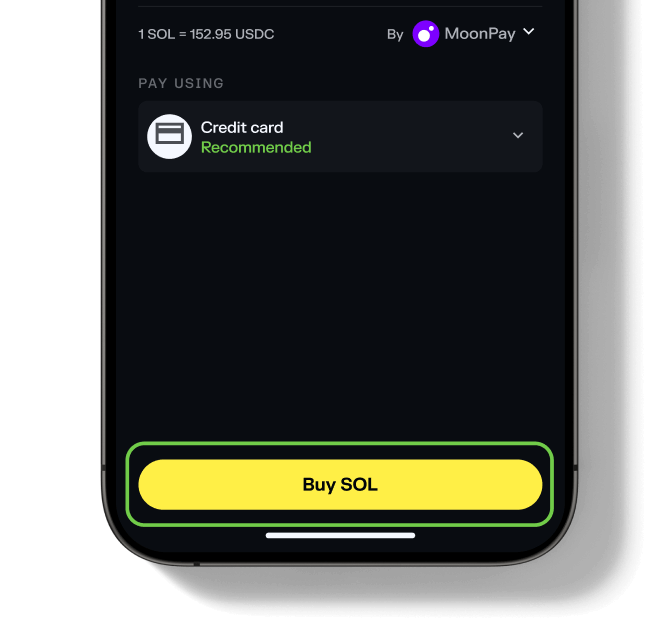
Step 5

Complete Your Purchase and Receive Anchor Rights
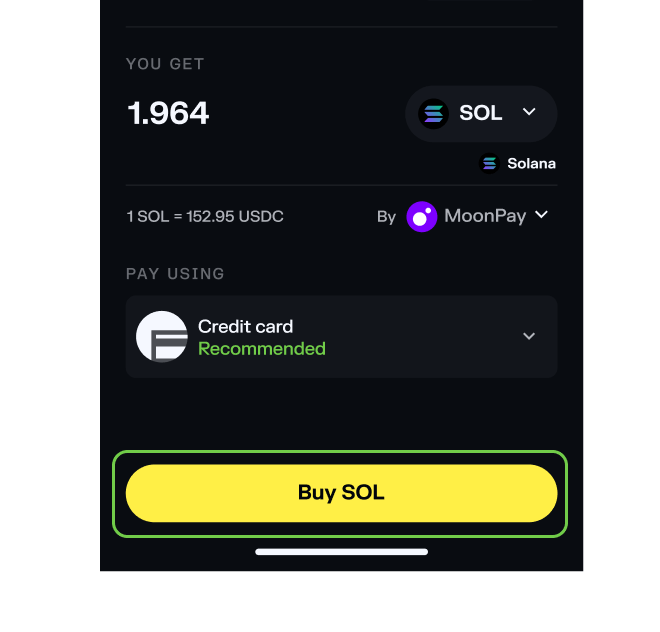
Follow the provider's steps to verify your identity and pay with your preferred method. After your purchase is confirmed, your Anchor Rights (ANR) tokens will be delivered straight to your Solflare wallet—usually within a few minutes.

That's it!
Step 5 - Complete Your Purchase and Receive Anchor Rights
Step 5

Complete Your Purchase and Receive Anchor Rights

Follow the provider's steps to verify your identity and pay with your preferred method. After your purchase is confirmed, your Anchor Rights (ANR) tokens will be delivered straight to your Solflare wallet—usually within a few minutes.

That's it!

Before buying Anchor Rights ANR double check potential risks

Risk status: Danger
Info
Mintable - Indicates if more tokens can be created after the initial launch.

Mintable

No
Info
Mutable - Enables changes to the token's metadata after creation.

Mutable

Yes
Info
Freezable - Grants control to freeze token accounts and prevent transfers.

Freezable

No
Info
Top holders - Percentage of the total supply held by the 20 largest wallets.

Top Holders %

100.00%

Total holders

12

Last risk check date

10/12/2026, 11:30:49 AM
warn risk
ANR — Unverified token
Multiple tokens can use the same name and symbol. Always do your own research before trading. (Affects Anchor Rights).
danger risk
ANR lp tokens largely unlocked
A large amount of Anchor Rights LP tokens are unlocked, allowing liquidity to be removed at any time.
danger risk
Top 10 ANR holders high ownership
The top 10 wallets hold more than 70% of the Anchor Rights supply.
danger risk
Single holder ownership in ANR
One wallet holds a large amount of the Anchor Rights supply.
danger risk
Single holder ownership in ANR
One wallet holds a large amount of the Anchor Rights supply.
danger risk
Low ANR liquidity
Low amount of liquidity in the Anchor Rights pool.
danger risk
ANR high ownership concentration
Top wallets hold more than 80% of the Anchor Rights supply.
warn risk
Low number of LP providers for ANR
Only a few users are providing liquidity for Anchor Rights.

Frequently asked questions about buying Anchor Rights

What do I need before buying Anchor Rights?Collapse

To buy Anchor Rights, you need: Fiat purchase is not available for this token — you can only swap using crypto. Solana transaction fees are typically a fraction of a cent.