
fortune.fun price today (4TUNE6…tr8N)

fortune.fun price chart
4TUNE6bJJeHGVZp1Y9KsMeGL4ViAwyVnddK6bTEVtr8N

fortune.fun (FORTUNE) price overview
No price information available at this time due to very low liquidity.
In the past day, fortune.fun (FORTUNE) volume reached N/A, no change compared to yesterday.
Its market cap is about N/A, with N/A of liquidity in Solana DEX pools.
Trade fortune.fun (FORTUNE) on Solflare
You can swap fortune.fun (FORTUNE) instantly and set limit orders on Solflare — a non-custodial Solana wallet where you control your private keys.
Note: Solflare's built-in risk scanner has flagged potential concerns with fortune.fun. Always review risk assessments before trading.
fortune.fun token risks overview

Mintable
Mutable
Freezable
Top Holders %
Total holders
Last risk check date
How to buy fortune.fun in Solflare
You can buy fortune.fun (FORTUNE) in the Solflare mobile app or browser extension: swap from SOL or another token you already hold, or pay by card or bank transfer where that is available. Get Solflare if you do not have it yet, then follow the steps below.
01
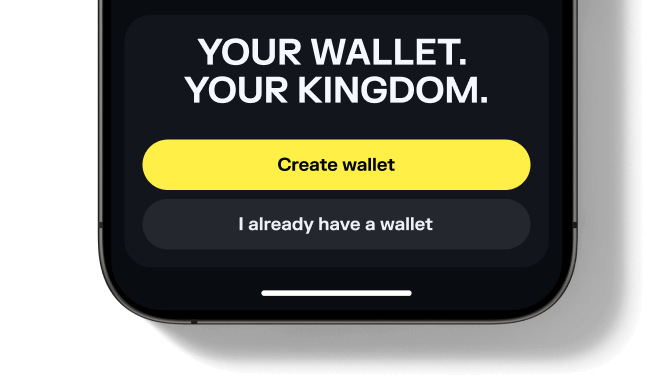
Set up or open your Solflare wallet
Download and open the Solflare mobile app on your device. Log in to your existing wallet, or create a new one directly in the app.
Don't have an account yet? See our beginner's guide to setting up a Solflare wallet.02
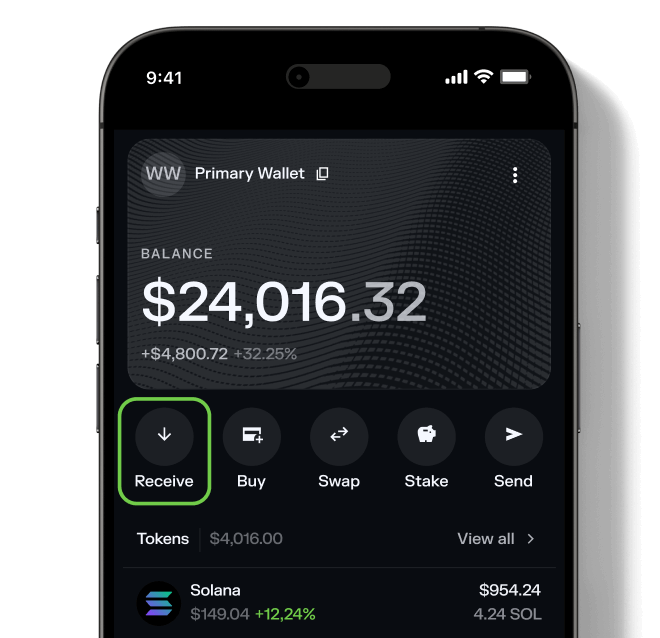
Deposit SOL or another supported token
Transfer SOL or any supported SPL token into your Solflare wallet. You can send funds from a centralized exchange, another wallet, or even purchase SOL with fiat directly inside the Solflare app.
Need help? Read our detailed guide on transferring tokens to Solflare.03
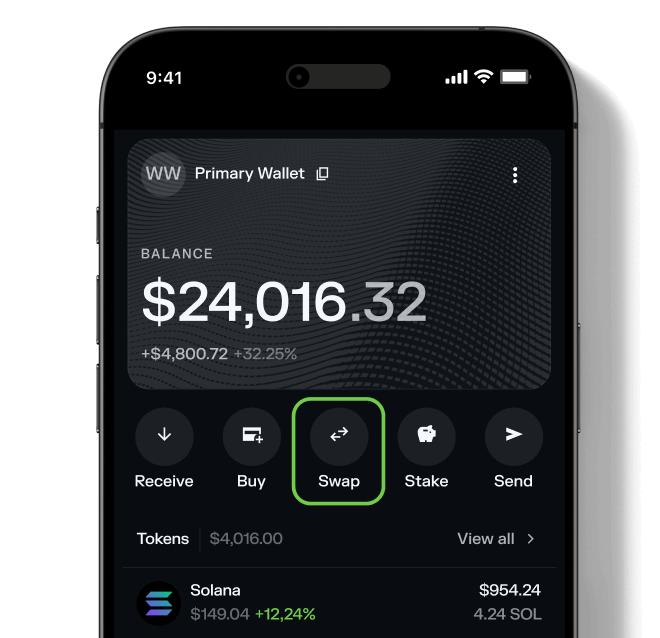
Go to the Swap tab
Tap on the Swap tab inside your wallet. This feature lets you trade tokens directly—no need for a separate DEX.04
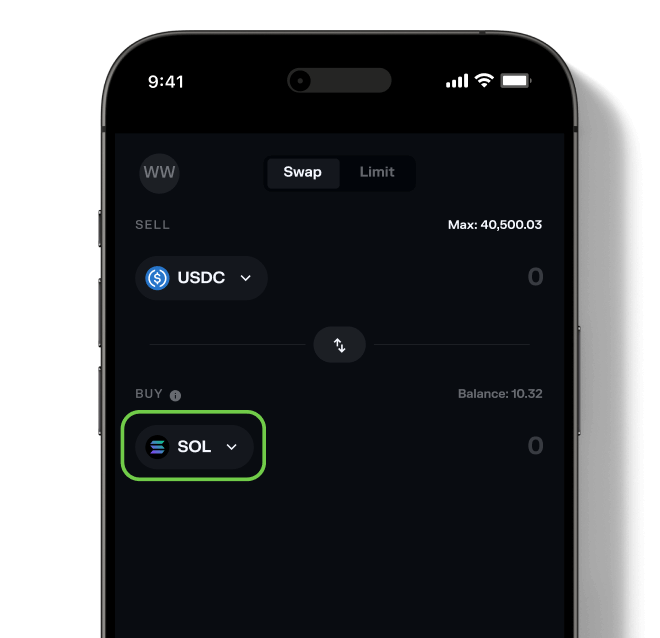
Select fortune.fun
Choose fortune.fun (FORTUNE) as the token you wish to purchase. Then, select the asset you want to swap from (for example, SOL or USDC) and enter the amount you want to buy.
Want to see what else you can buy? Explore all tokens available on Solflare.05
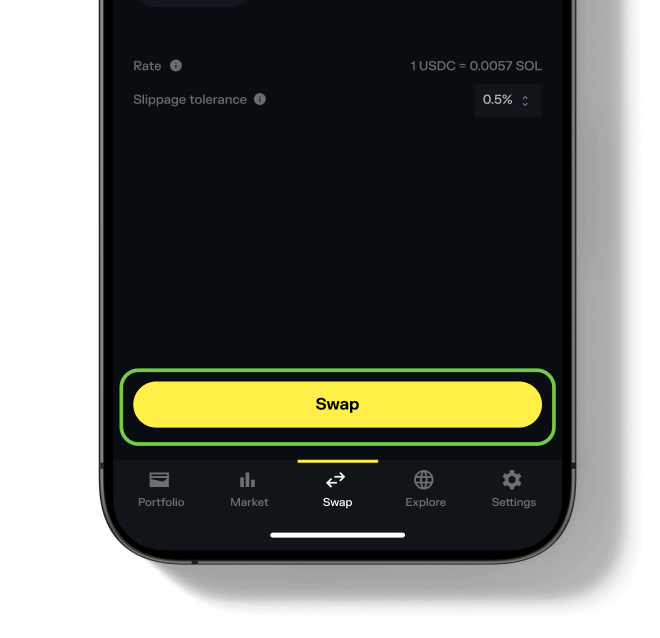
Confirm the swap
Hit "Swap", review the details, and then "Slide to approve". Your new fortune.fun tokens will appear in your wallet once the transaction is complete.
Need more help? See our full guide to swapping tokens with Solflare.
FAQ
fortune.fun FAQ
Can't find what you're looking for? Our help center covers wallets, swaps and every asset class.
Visit help center →


 83.93%
 Website
 X
 Telegram