
Frosty price today

Frosty price chart
5sPE8YjFk8oc4FH7ynw8iCyz9kAgTyiJMEqvTByHpump

Frosty (FROSTY) price overview
No price information available at this time due to very low liquidity.
Daily (24h) trading volume for Frosty (FROSTY) is N/A, no change from the previous day.
Total market value is roughly N/A; on-chain liquidity across the main Solana DEXes is N/A.
Trade Frosty (FROSTY) on Solflare
You can swap Frosty (FROSTY) instantly and set limit orders on Solflare — a non-custodial Solana wallet where you control your private keys.
Note: Solflare's built-in risk scanner has flagged potential concerns with Frosty. Always review risk assessments before trading.
Frosty market data
FDV
Holders
Frosty token risks overview

Mintable
Mutable
Freezable
Top Holders %
Total holders
Last risk check date

How to buy Frosty in Solflare
You can buy Frosty (FROSTY) in the Solflare mobile app or browser extension: swap from SOL or another token you already hold, or pay by card or bank transfer where that is available. Get Solflare if you do not have it yet, then follow the steps below.
01
Set up or open your Solflare wallet
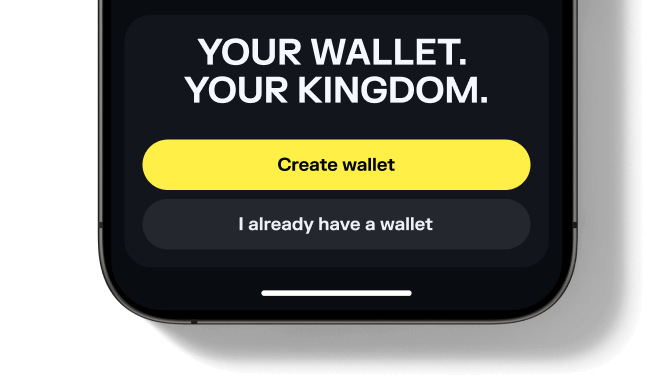
Download and open the Solflare mobile app on your device. Log in to your existing wallet, or create a new one directly in the app.
Don't have an account yet? See our beginner's guide to setting up a Solflare wallet.02
Deposit SOL or another supported token
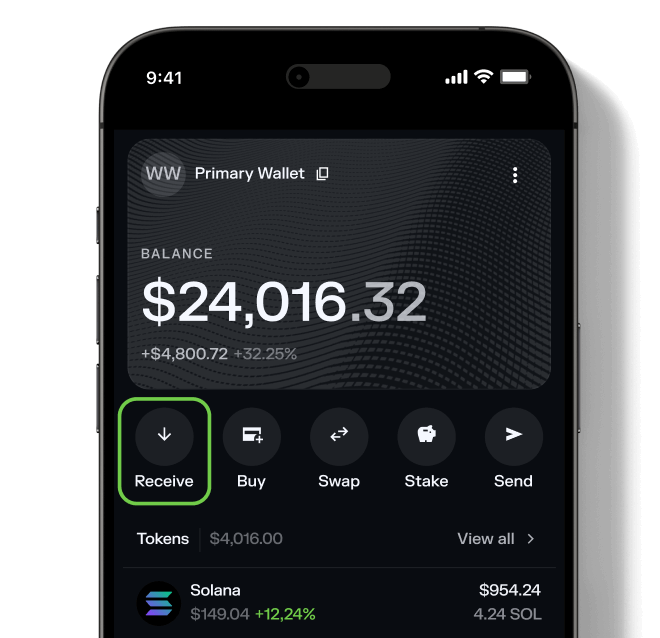
Transfer SOL or any supported SPL token into your Solflare wallet. You can send funds from a centralized exchange, another wallet, or even purchase SOL with fiat directly inside the Solflare app.
Need help? Read our detailed guide on transferring tokens to Solflare.03
Go to the Swap tab
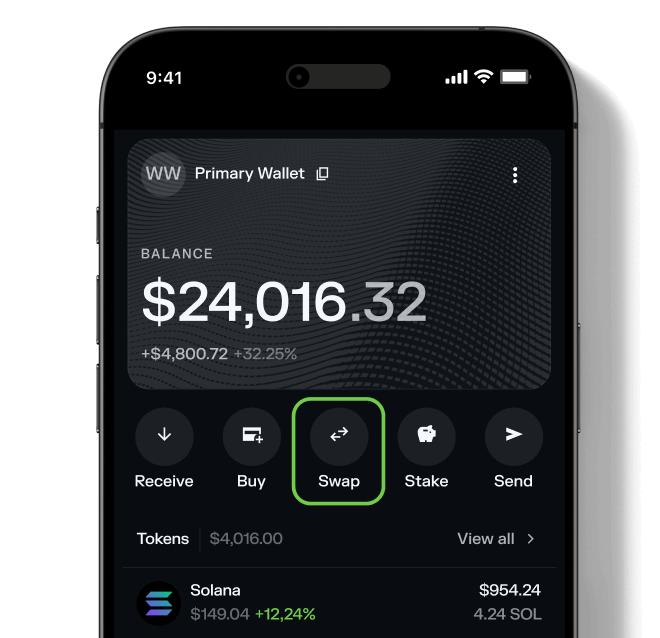
Tap on the Swap tab inside your wallet. This feature lets you trade tokens directly—no need for a separate DEX.04
Select Frosty
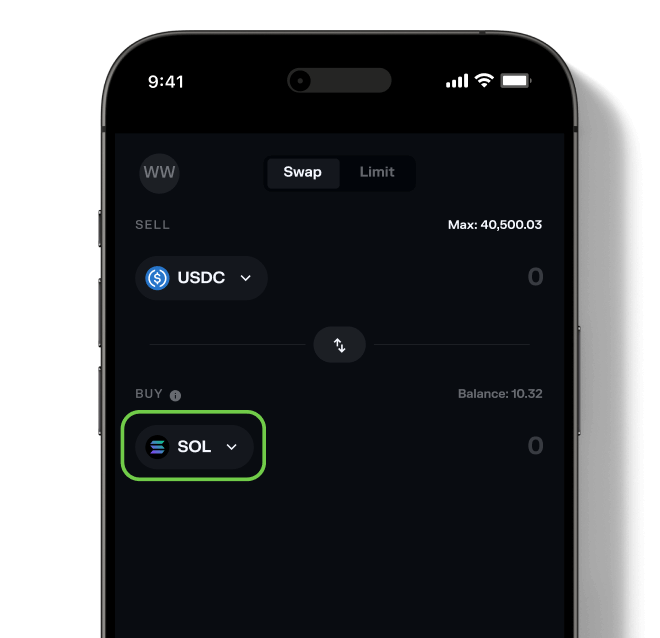
Choose Frosty (FROSTY) as the token you wish to purchase. Then, select the asset you want to swap from (for example, SOL or USDC) and enter the amount you want to buy.
Want to see what else you can buy? Explore all tokens available on Solflare.05
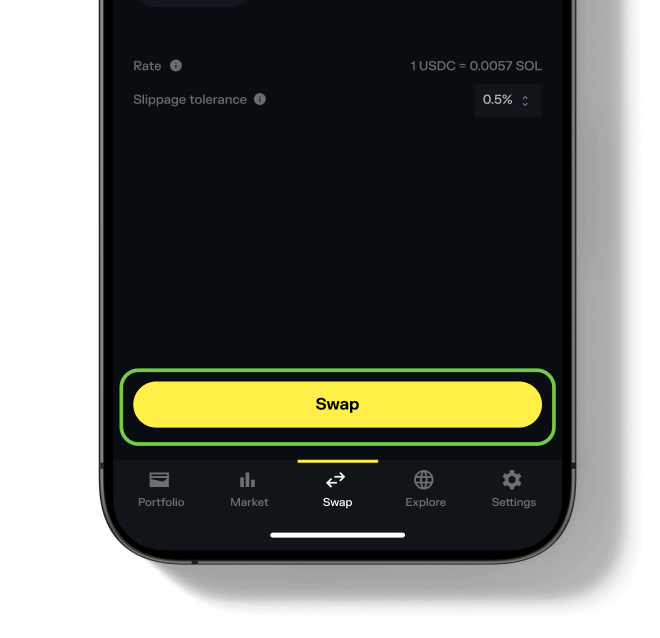
Confirm the swap
Hit "Swap", review the details, and then "Slide to approve". Your new Frosty tokens will appear in your wallet once the transaction is complete.
Need more help? See our full guide to swapping tokens with Solflare.
About Frosty
Ross Ulbricht, the creator of the Silk Road darknet marketplace, used the alias “Frosty” in several online contexts, which ultimately contributed to his identification and arrest. In March 2012, Ulbricht posted a programming question on Stack Overflow under his real name, seeking assistance with connecting to a Tor hidden service using PHP and cURL. Less than a minute later, he changed his username to “frosty” and subsequently updated the associated email to frosty@frosty.com. Investigators later discovered that the code he posted matched code found on the Silk Road server, establishing a direct link between Ulbricht and the illicit website. Further evidence emerged when law enforcement analyzed the Silk Road server and found that the SSH public encryption key included the identifier “frosty@frosty.” This detail connected Ulbricht’s Stack Overflow alias to the server’s security credentials, reinforcing the association between him and the Silk Road operations. Additionally, during Ulbricht’s arrest at the Glen Park Library in San Francisco, agents photographed his open laptop, which displayed the username “Frosty.” This finding provided further confirmation of his use of the alias across different platforms and contexts. These instances demonstrate how Ulbricht’s repeated use of the “Frosty” alias across various online activities created a trail that investigators followed, ultimately leading to his capture and the shutdown of the Silk Road marketplace.
FROSTY contract address
Ticker
Status
FAQ
Frosty FAQ
Can't find what you're looking for? Our help center covers wallets, swaps and every asset class.
Visit help center →


 10.89%