How to buy join and complain with your Solflare wallet?
Easiest ways to buy, swap, or transfer COMPLAIN directly into your Solflare wallet—step by step.
Looking to buy join and complain? You can buy COMPLAIN easily using the Solflare Wallet, whether you prefer to use crypto or pay with fiat, like a credit card or bank transfer. Follow these steps to buy join and complain using the Solflare mobile app or the browser extension.
Once you own COMPLAIN, Solflare lets you send it privately using the built-in Privacy Aggregator, and you can secure your holdings with a Solflare hardware wallet for maximum protection.
join and complain Buying Guide: How to Buy join and complain with Crypto Using Solflare Mobile app
Buy join and complain (COMPLAIN) directly in the Solflare mobile app by swapping from SOL or other supported tokens. This guide walks you through each step, from funding your wallet to confirming your swap—no third-party DEX required.
Set up or Open your Solflare Wallet
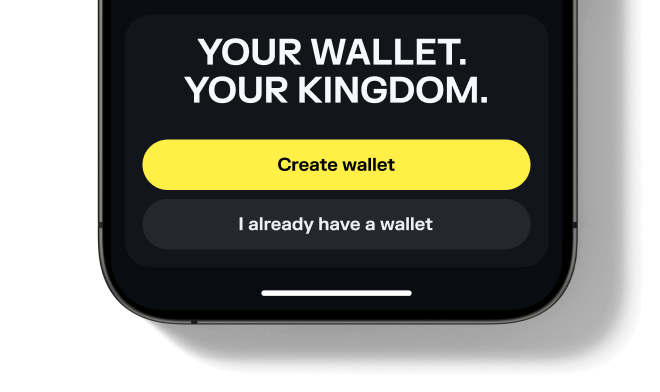
Set up or Open your Solflare Wallet
Don't have an account yet? See our beginner's guide to setting up a Solflare wallet.
Set up or Open your Solflare Wallet
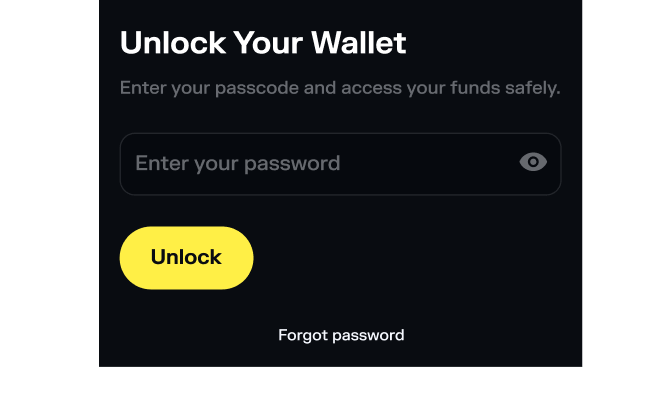
Set Up or Open Your Solflare Extension Wallet
Need help? Follow our step-by-step Solflare wallet setup guide.
Deposit SOL or another supported token
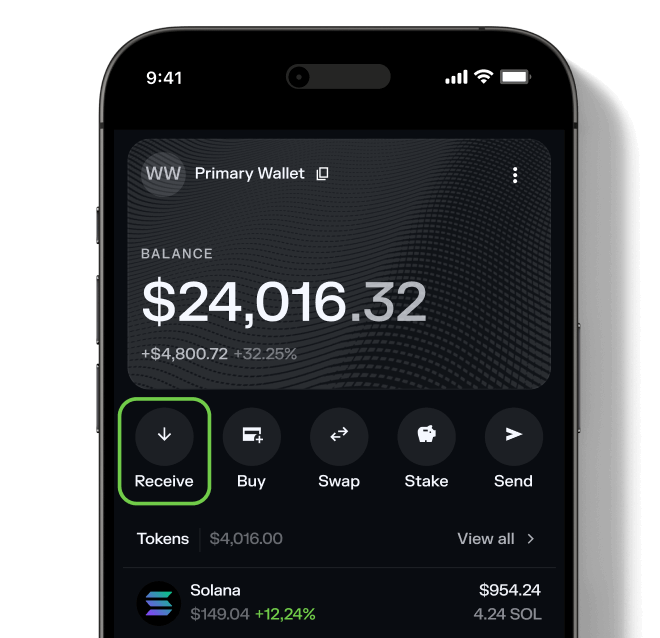
Deposit SOL or another supported token
Need help? Read our detailed guide on transferring tokens to Solflare.
Deposit SOL or another supported token
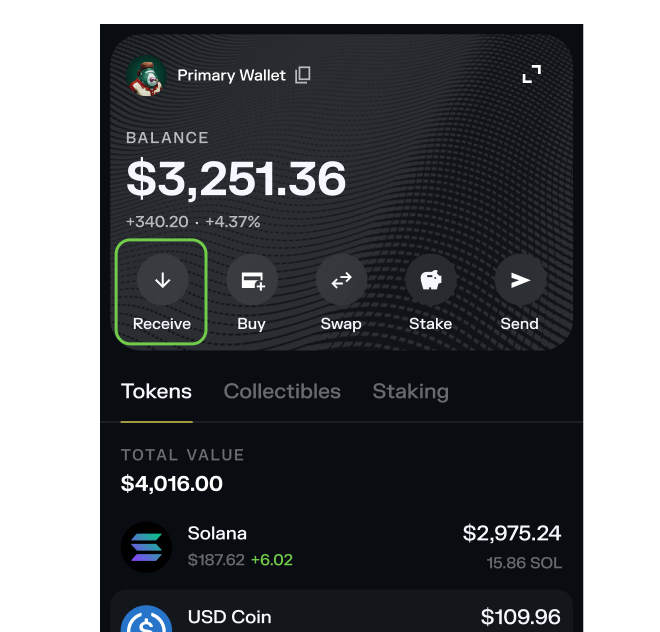
Deposit SOL or another supported token
Go to the Swap tab
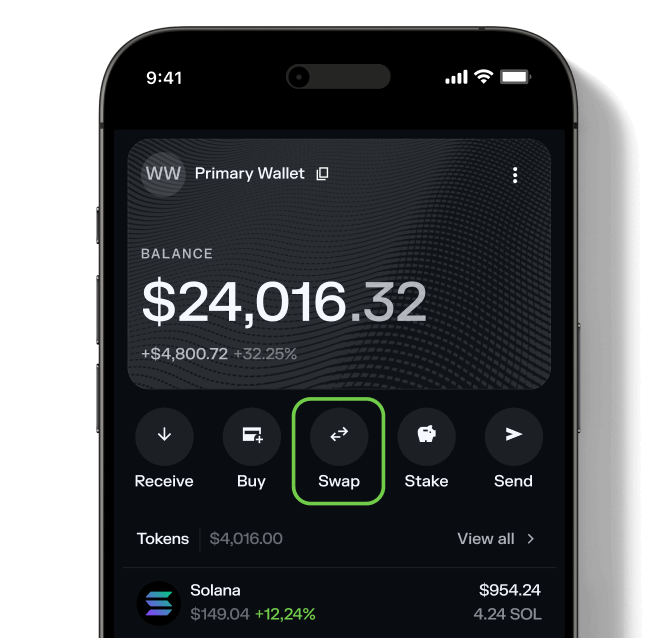
Go to the Swap tab
Go to the Swap tab
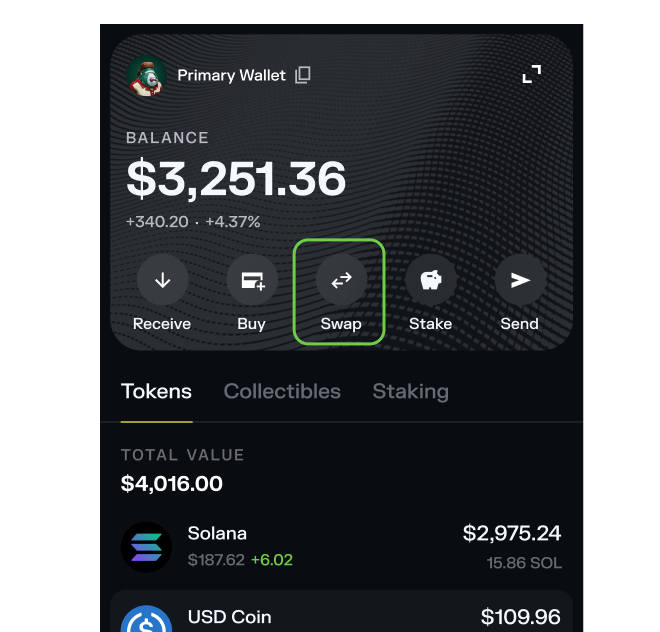
Go to the Swap tab
Select join and complain
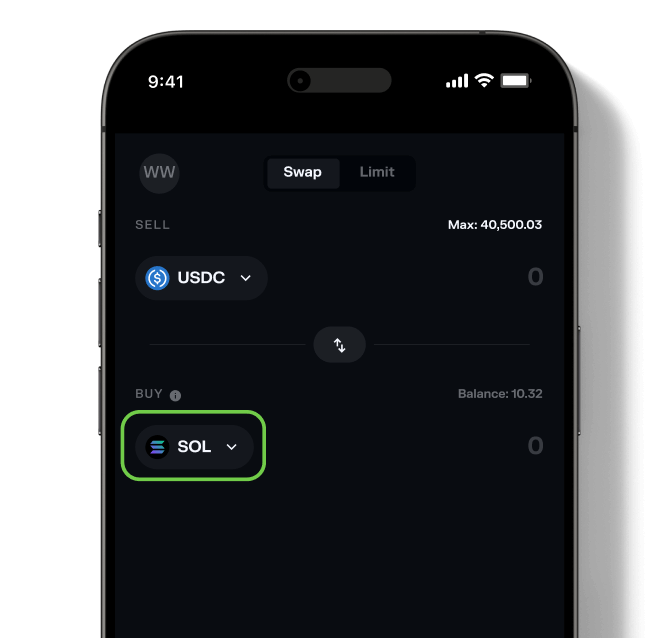
Select join and complain
Want to see what else you can buy? Explore all tokens available on Solflare.
Select join and complain
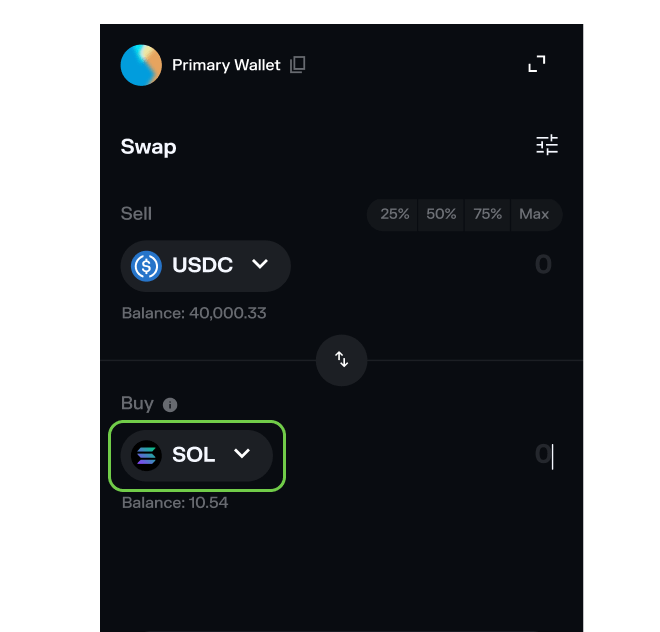
Select join and complain
Want to see all available tokens? Browse the full list of tokens supported on Solflare.
Confirm the swap
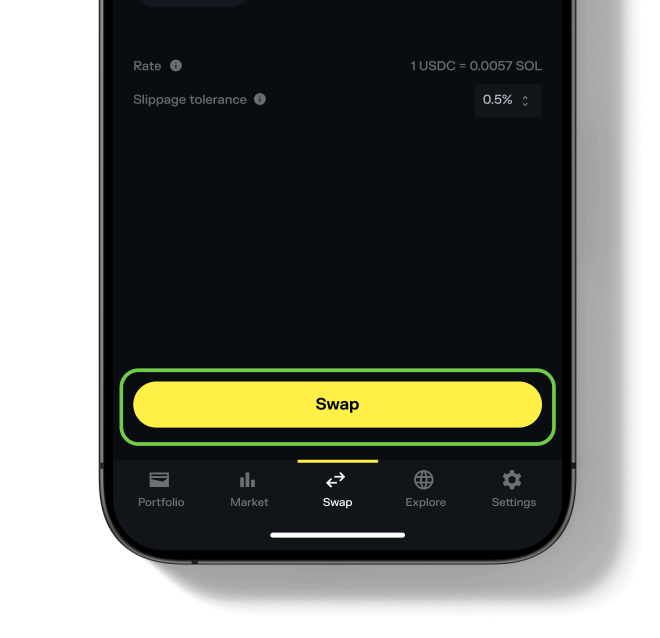
Confirm the swap
Need more help? See our full guide to swapping tokens with Solflare.
Confirm the swap
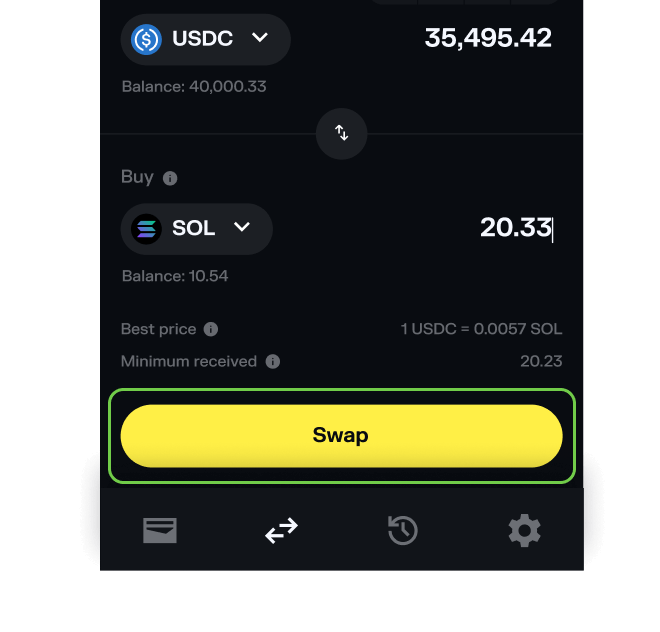
Confirm the swap
Need more help? See our full guide to swapping tokens with Solflare.
Before buying join and complain COMPLAIN double check potential risks

Mintable
Mutable
Freezable
Top Holders %
Total holders
Last risk check date
Frequently asked questions about buying join and complain
What do I need before buying join and complain?
- A Solflare Wallet (mobile app or browser extension — setup guide)
- Some SOL or another SPL token in your wallet for swapping
