How to buy Juna with your Solflare wallet?
Easiest ways to buy, swap, or transfer JUNA directly into your Solflare wallet—step by step.
Looking to buy Juna? You can buy JUNA easily using the Solflare Wallet, whether you prefer to use crypto or pay with fiat, like a credit card or bank transfer. Follow these steps to buy Juna using the Solflare mobile app or the browser extension.
Once you own JUNA, Solflare lets you send it privately using the built-in Privacy Aggregator, and you can secure your holdings with a Solflare hardware wallet for maximum protection.
Juna Buying Guide: How to Buy Juna with Fiat Using Solflare Mobile app
Purchase Juna (JUNA) instantly with your credit card, bank transfer, or Apple Pay inside the Solflare mobile app. Follow these easy steps to complete your fiat-to-crypto transaction and receive your tokens directly in your Solflare wallet.
Set Up or Open Your Solflare Wallet
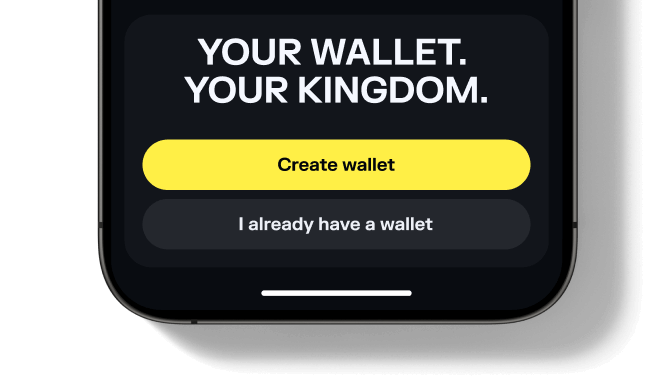
Set Up or Open Your Solflare Wallet
Don't have an account yet? See our beginner's guide to setting up a Solflare wallet.
Set Up or Open Your Solflare Wallet
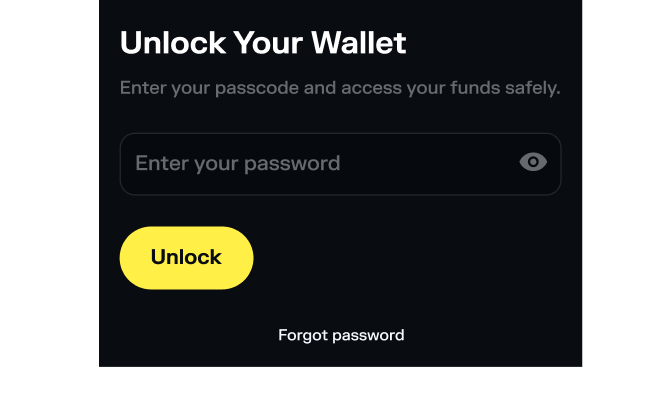
Set up or Open your Solflare Wallet
Need help getting started? See our Solflare wallet setup guide.
Tap "Buy" in Your Solflare Wallet
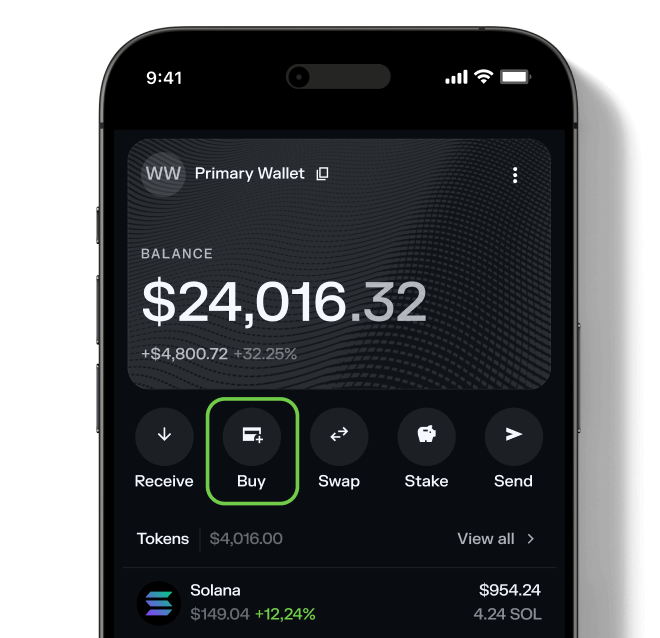
Tap "Buy" in Your Solflare Wallet
Tap "Buy" in Your Solflare Wallet
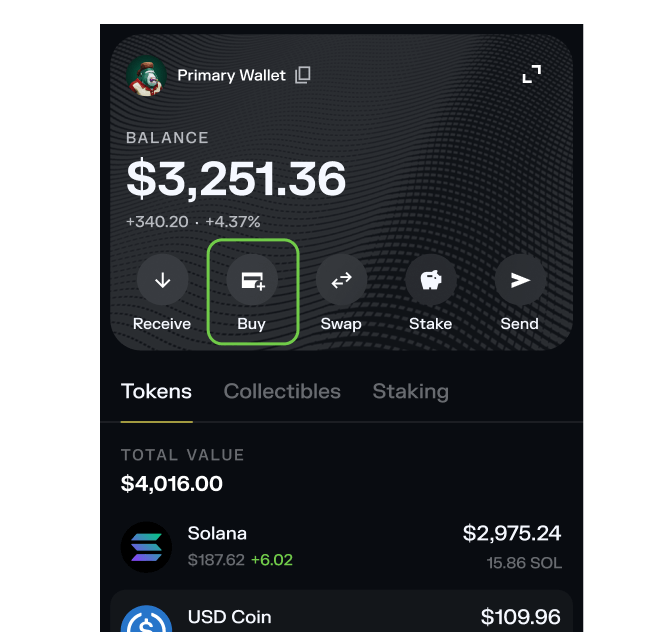
Tap "Buy" in your Solflare Wallet
Select Juna (JUNA) to Buy
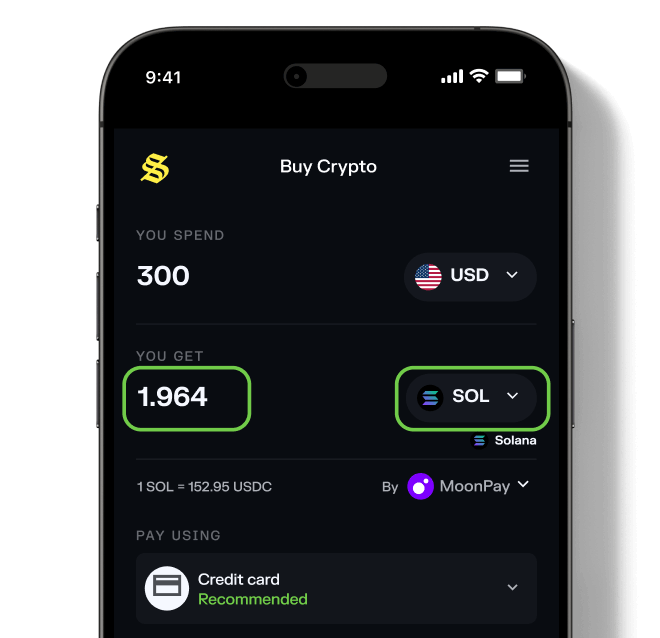
Select Juna (JUNA) to Buy
Select Juna (JUNA) to Buy
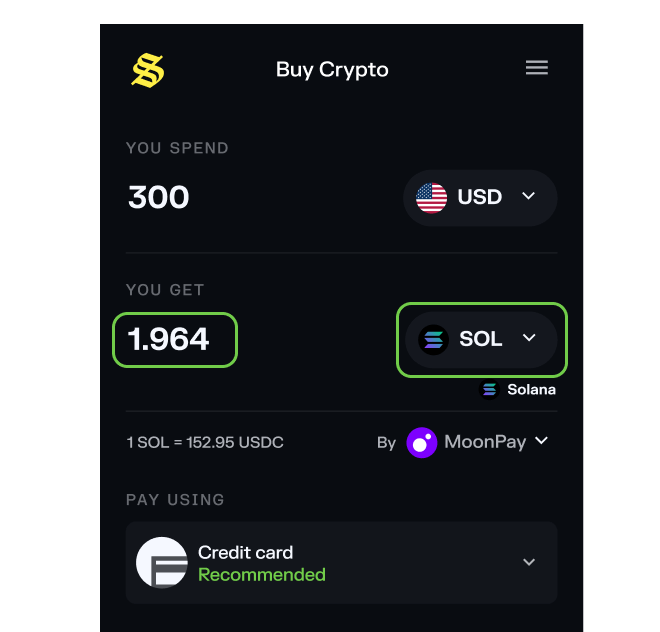
Select Juna (JUNA)
Choose a payment method
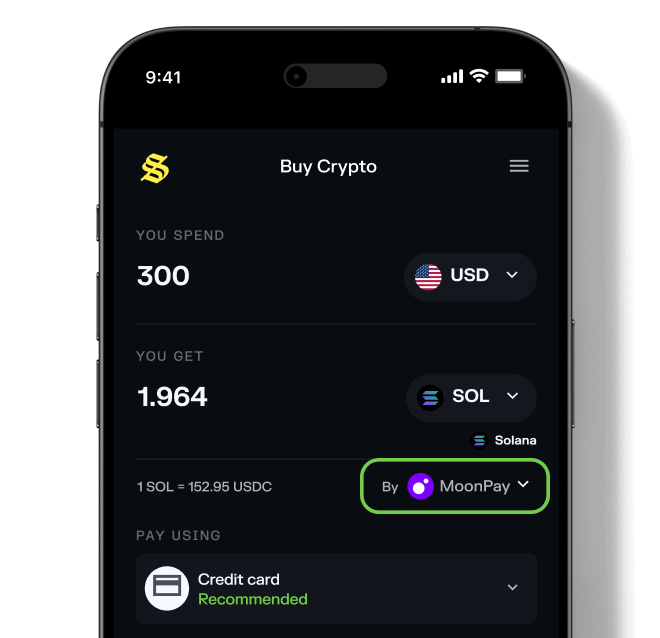
Choose a payment method
If you encounter any issues when choosing a provider, click here to learn more.
Choose a payment method
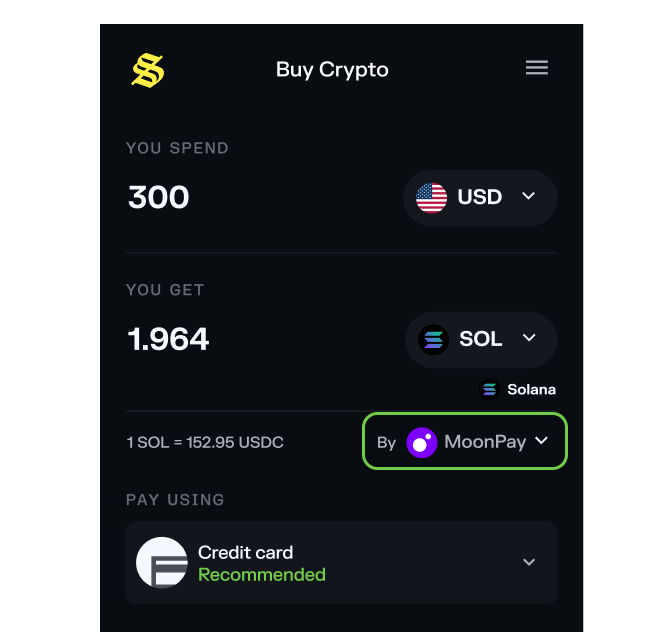
Choose a payment method
If you encounter any issues when choosing a provider, click here to learn more.
Complete Your Purchase and Receive Juna
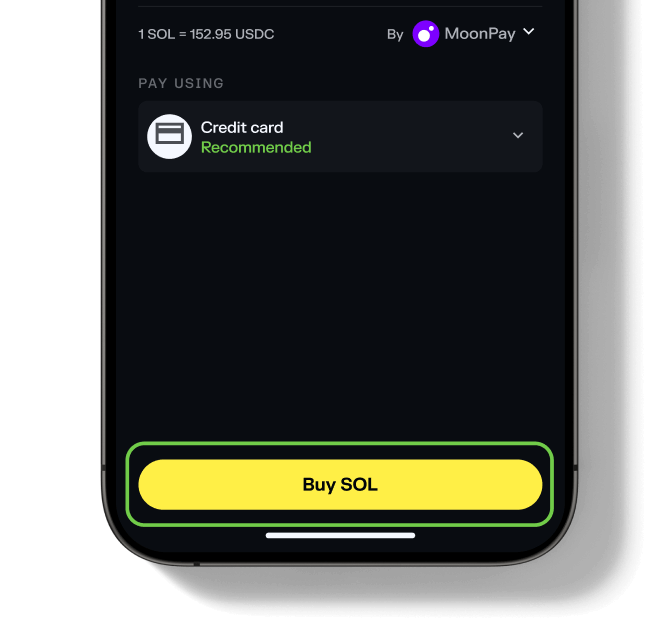
Complete Your Purchase and Receive Juna
That's it!
Complete Your Purchase and Receive Juna
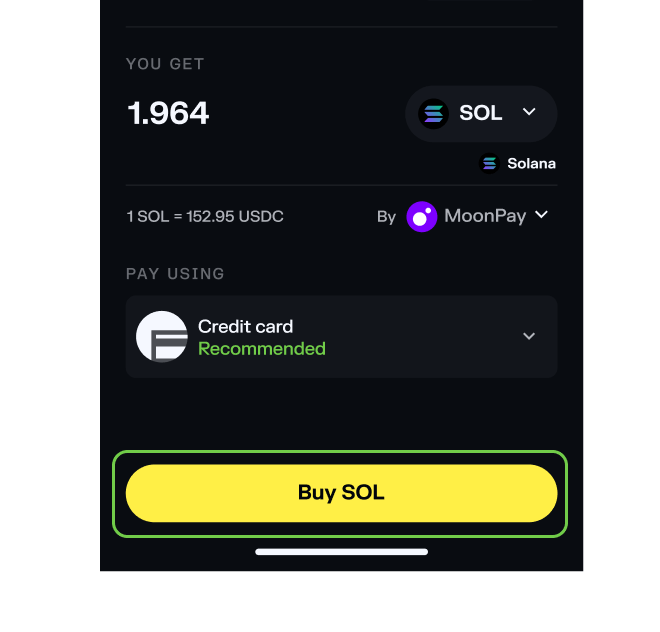
Complete Your Purchase and Receive Juna
That's it!
Frequently asked questions about buying Juna
What do I need before buying Juna?
- A Solflare Wallet (mobile app or browser extension — setup guide)
- Some SOL or another SPL token in your wallet for swapping
