How to buy Stroke with your Solflare wallet?
Easiest ways to buy, swap, or transfer directly into your Solflare wallet—step by step.
Looking to buy Stroke? You can buy easily using the Solflare Wallet, whether you prefer to use crypto or pay with fiat, like a credit card or bank transfer. Follow these steps to buy Stroke using the Solflare mobile app or the browser extension.
Once you own , Solflare lets you send it privately using the built-in Privacy Aggregator, and you can secure your holdings with a Solflare hardware wallet for maximum protection.
PRICE / 24H CHANGE
No price information available at this time.
Stroke Buying Guide: How to Buy Stroke with Fiat Using Solflare Mobile app
Purchase Stroke () instantly with your credit card, bank transfer, or Apple Pay inside the Solflare mobile app. Follow these easy steps to complete your fiat-to-crypto transaction and receive your tokens directly in your Solflare wallet.
Set Up or Open Your Solflare Wallet
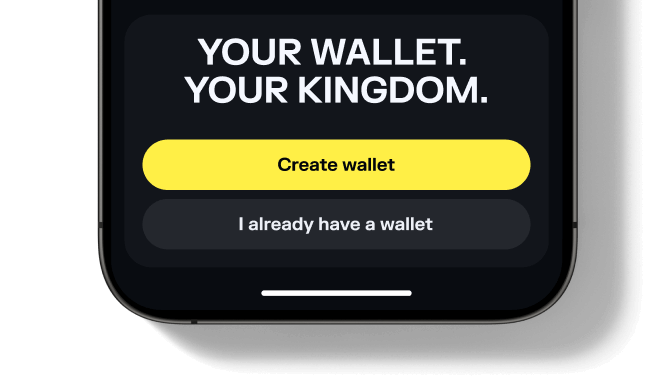
Step 1
Set Up or Open Your Solflare Wallet
Open your Solflare mobile app and sign in to your wallet. If you're new, download the app and create a wallet in just a few minutes.
Don't have an account yet? See our beginner's guide to setting up a Solflare wallet.
Don't have an account yet? See our beginner's guide to setting up a Solflare wallet.
Set Up or Open Your Solflare Wallet
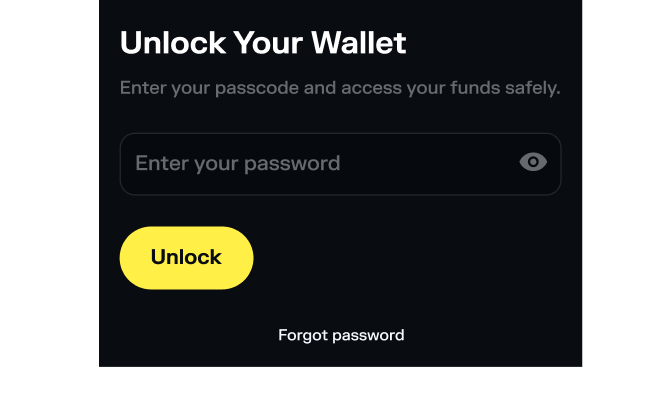
Step 1
Set up or Open your Solflare Wallet
Download and install the Solflare extension for your browser. Open the extension and log in to your wallet. If you don't have a wallet yet, click 'I need a new wallet' to create one in minutes.
Need help getting started? See our Solflare wallet setup guide.
Need help getting started? See our Solflare wallet setup guide.
Tap "Buy" in Your Solflare Wallet
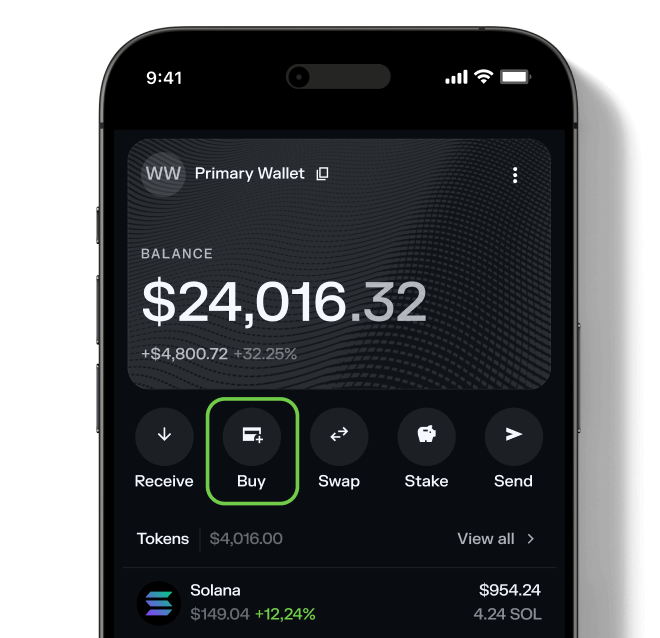
Step 2
Tap "Buy" in Your Solflare Wallet
On the main screen, tap the "Buy" button to start the purchase process using integrated providers. This lets you purchase crypto securely without leaving the app.
Tap "Buy" in Your Solflare Wallet
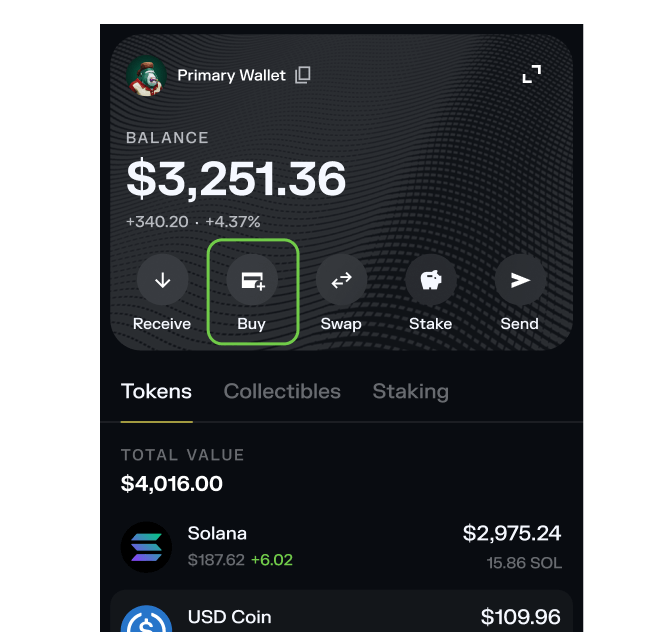
Step 2
Tap "Buy" in your Solflare Wallet
From the main screen of the Solflare extension, click the Buy button to start the purchase process using trusted fiat providers. No need to leave your browser—everything happens right inside Solflare.
Select Stroke () to Buy
Step 3
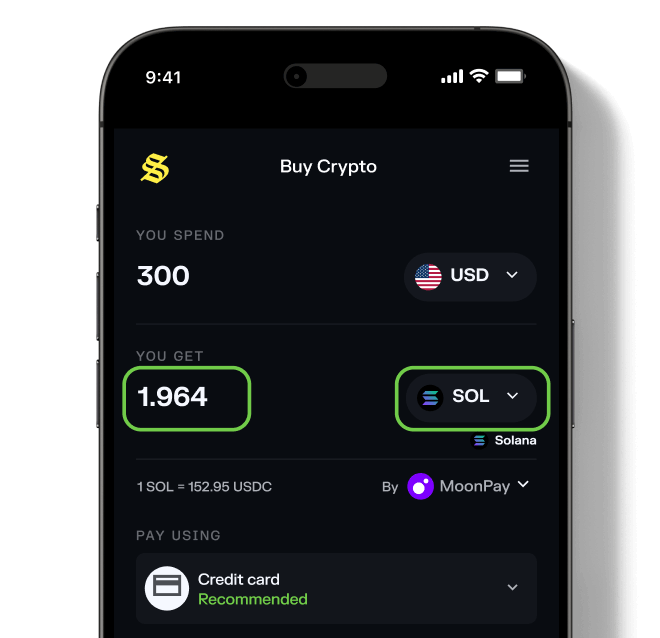
Select Stroke () to Buy
Search for Stroke () and enter your desired purchase amount. Solflare lets you buy popular Solana tokens directly—no extra steps needed.
Select Stroke () to Buy
Step 3
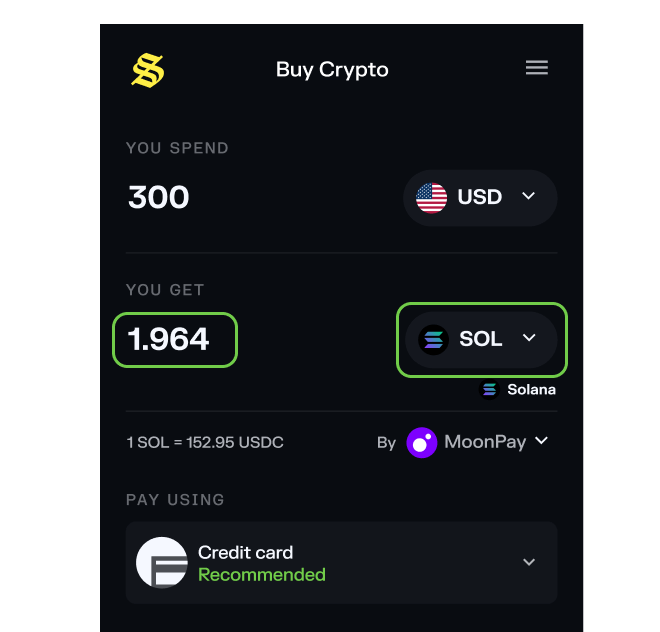
Select Stroke ()
Choose the token you want to buy and enter your desired purchase amount. Solflare supports a wide range of Solana tokens for direct fiat purchases.
Choose a payment method
Step 4
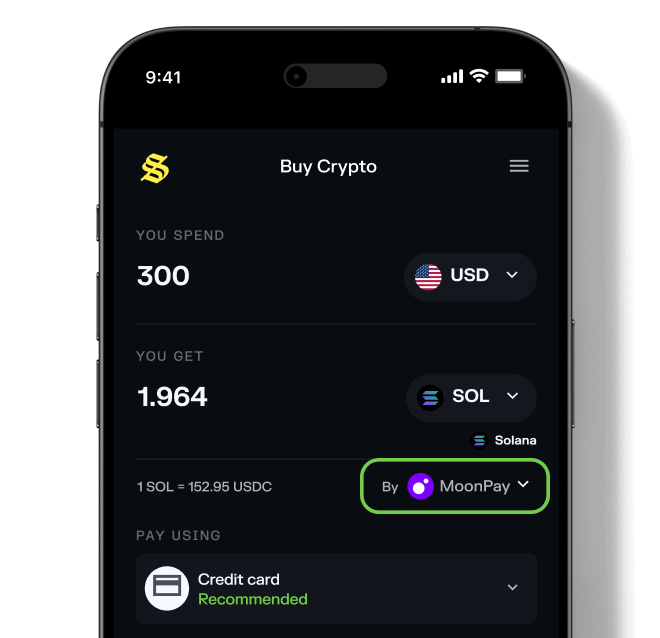
Choose a payment method
Select your preferred payment method. Once you do that, you can select from trusted payment providers like MoonPay, Stripe, or any other available provider to get the best price.
If you encounter any issues when choosing a provider, click here to learn more.
If you encounter any issues when choosing a provider, click here to learn more.
Choose a payment method
Step 4
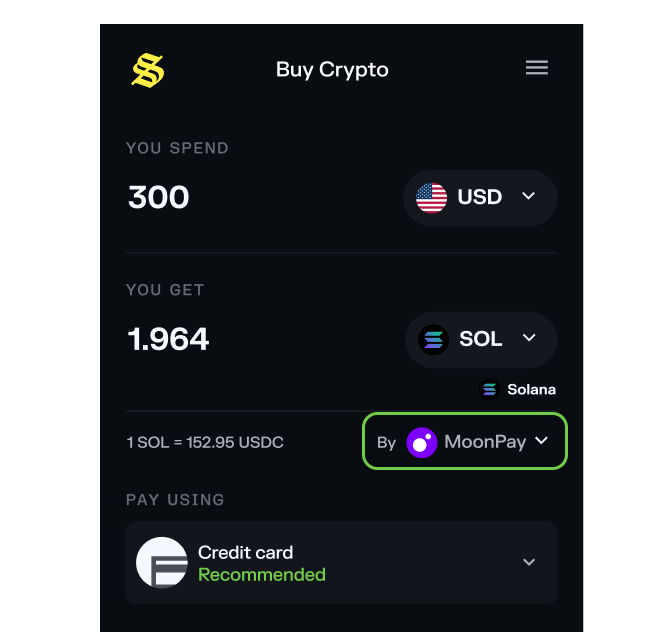
Choose a payment method
Select your preferred payment method. Once you do that, you can select from trusted payment providers like MoonPay, Stripe, or any other available provider to get the best price.
If you encounter any issues when choosing a provider, click here to learn more.
If you encounter any issues when choosing a provider, click here to learn more.
Complete Your Purchase and Receive Stroke
Step 5
Complete Your Purchase and Receive Stroke
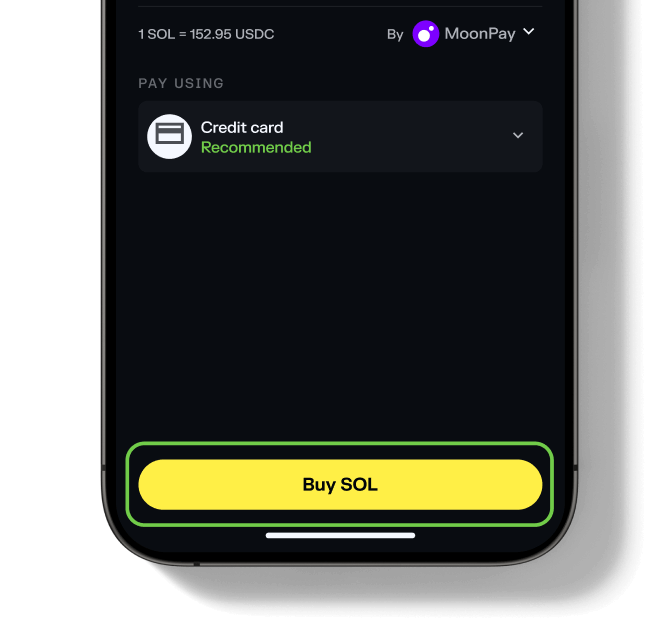
Follow the provider's steps to verify your identity and pay with your preferred method. After your purchase is confirmed, your Stroke () tokens will be delivered straight to your Solflare wallet—usually within a few minutes.
That's it!
That's it!
Complete Your Purchase and Receive Stroke
Step 5
Complete Your Purchase and Receive Stroke
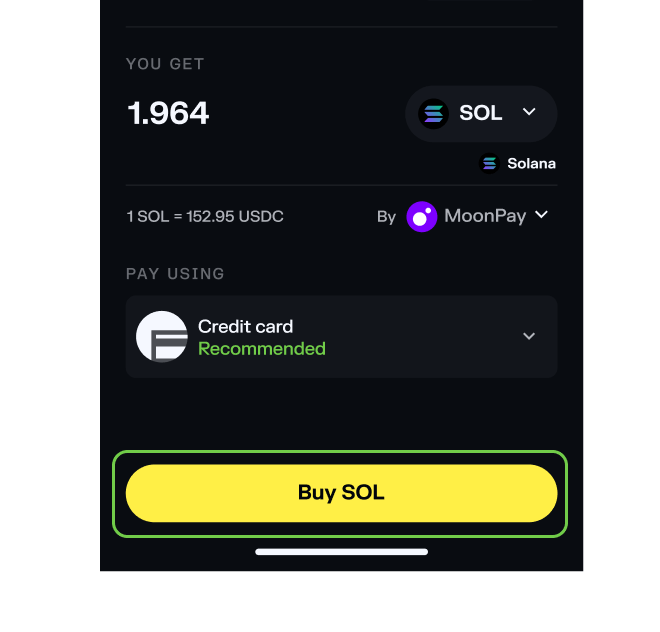
Follow the provider's steps to verify your identity and pay with your preferred method. After your purchase is confirmed, your Stroke () tokens will be delivered straight to your Solflare wallet—usually within a few minutes.
That's it!
That's it!
Check out live swap rates for Stroke
Before buying Stroke double check potential risks
check token potential risk warning
Frequently asked questions about buying Stroke
What do I need before buying Stroke?
To buy Stroke, you need:
- A Solflare Wallet (mobile app or browser extension — setup guide)
- Some SOL or another SPL token in your wallet for swapping
