How to buy The2026 Senate with your Solflare wallet?

Easiest ways to buy, swap, or transfer TS directly into your Solflare wallet—step by step.

Looking to buy The2026 Senate? You can buy TS easily using the Solflare Wallet, whether you prefer to use crypto or pay with fiat, like a credit card or bank transfer. Follow these steps to buy The2026 Senate using the Solflare mobile app or the browser extension.

Once you own TS, Solflare lets you send it privately using the built-in Privacy Aggregator, and you can secure your holdings with a Solflare hardware wallet for maximum protection.

The2026 Senate Buying Guide: How to Buy The2026 Senate with Crypto Using Solflare Mobile app

Buy The2026 Senate (TS) directly in the Solflare mobile app by swapping from SOL or other supported tokens. This guide walks you through each step, from funding your wallet to confirming your swap—no third-party DEX required.

Step 1 - Set up or Open your Solflare Wallet
Step 1

Set up or Open your Solflare Wallet

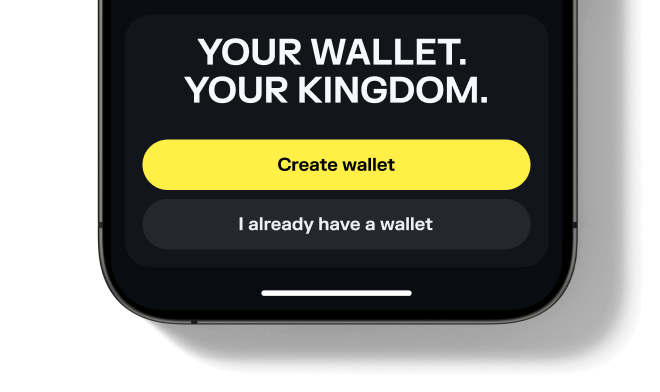
Download and open the Solflare mobile app on your device. Log in to your existing wallet, or create a new one directly in the app.

Don't have an account yet? See our beginner's guide to setting up a Solflare wallet.
Step 1 - Set Up or Open Your Solflare Extension Wallet
Step 1

Set Up or Open Your Solflare Extension Wallet

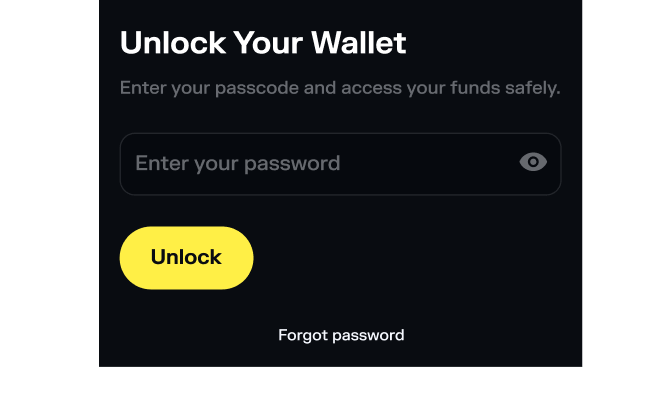
Download and install the Solflare extension for your browser. Once installed, open the extension and log in to your wallet. If you're new to Solflare, click "I need a new wallet" to create one in minutes.

Need help? Follow our step-by-step Solflare wallet setup guide.
Step 2 - Deposit SOL or another supported token
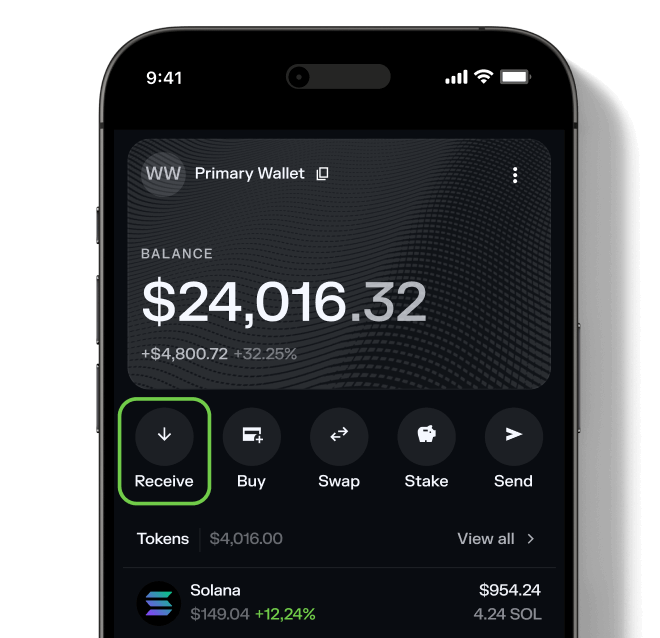
Step 2

Deposit SOL or another supported token
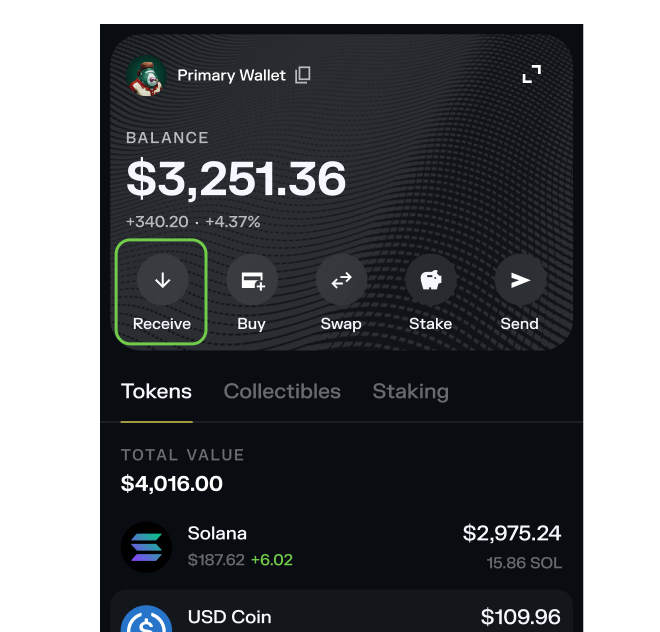
Transfer SOL or any supported SPL token into your Solflare wallet. You can send funds from a centralized exchange, another wallet, or even purchase SOL with fiat directly inside the Solflare app.

Need help? Read our detailed guide on transferring tokens to Solflare.
Step 2 - Deposit SOL or another supported token
Step 2

Deposit SOL or another supported token

Transfer SOL (or another SPL token) to your Solflare wallet. You can send it from a centralized exchange or another wallet, or buy it with fiat directly in the Solflare app.
Step 3 - Go to the Swap tab
Step 3

Go to the Swap tab

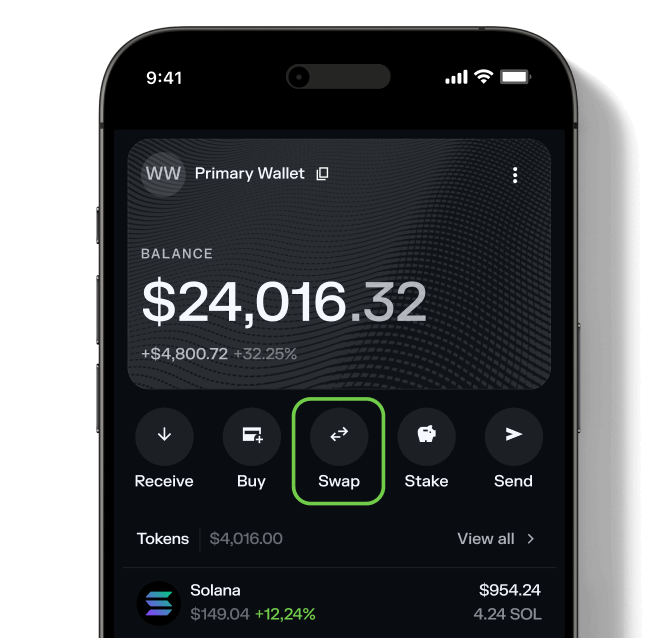
Tap on the Swap tab inside your wallet. This feature lets you trade tokens directly—no need for a separate DEX.
Step 3 - Go to the Swap tab
Step 3

Go to the Swap tab

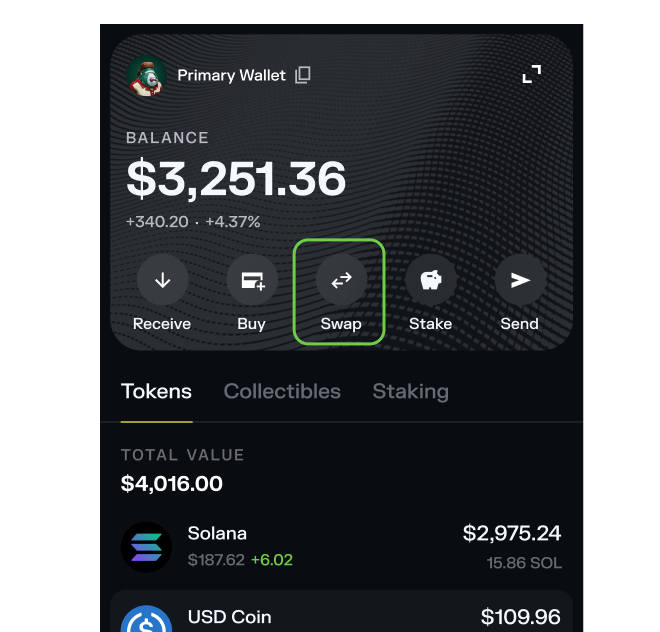
Navigate to the Swap section in your Solflare browser extension on the right side of your home screen (Portfolio tab) or click on the Trade tab from the menu on the left. Solflare's Swap feature lets you exchange tokens instantly—no need for third-party DEXs or leaving your wallet.
Step 4 - Select The2026 Senate
Step 4

Select The2026 Senate

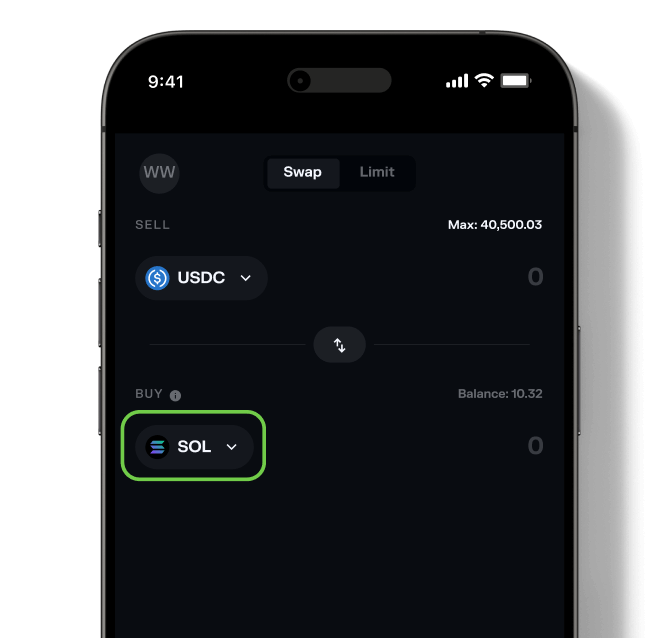
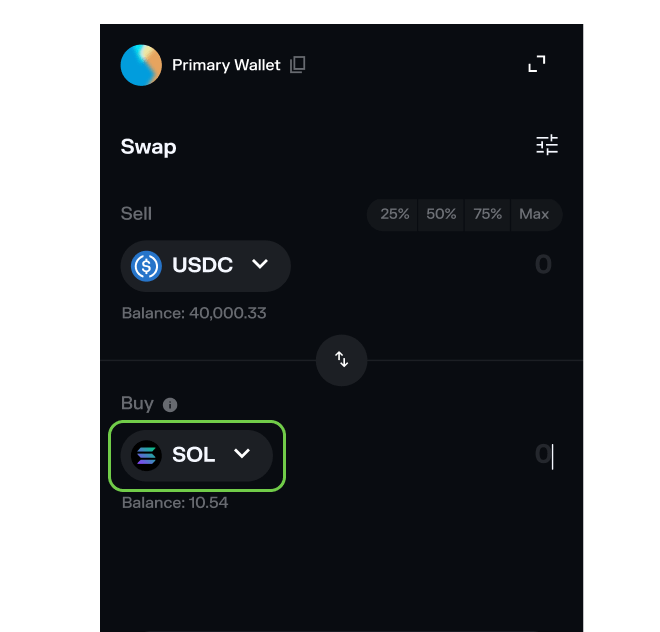
Choose The2026 Senate (TS) as the token you wish to purchase. Then, select the asset you want to swap from (for example, SOL or USDC) and enter the amount you want to buy.

Want to see what else you can buy? Explore all tokens available on Solflare.
Step 4 - Select The2026 Senate
Step 4

Select The2026 Senate

Choose The2026 Senate (TS) as the token you want to buy. Then select the token you wish to swap from (like SOL or USDC), and enter the amount you'd like to exchange.

Want to see all available tokens? Browse the full list of tokens supported on Solflare.
Step 5 - Confirm the swap
Step 5

Confirm the swap

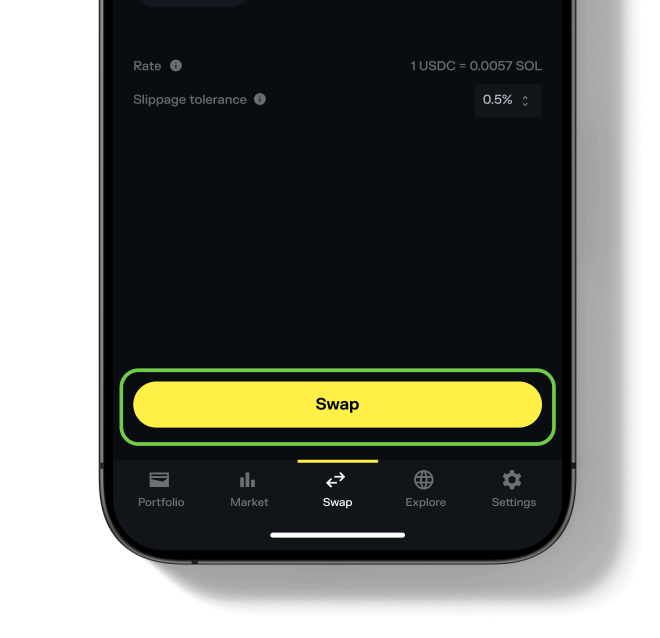
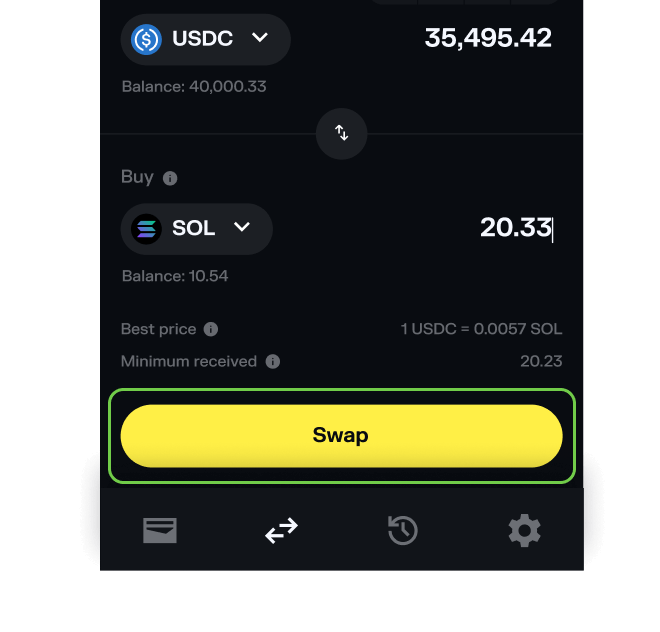
Hit "Swap", review the details, and then "Slide to approve". Your new The2026 Senate tokens will appear in your wallet once the transaction is complete.

Need more help? See our full guide to swapping tokens with Solflare.
Step 5 - Confirm the swap
Step 5

Confirm the swap

Hit "Swap", review the details, and then "Confirm". Your new The2026 Senate tokens will appear in your wallet once the transaction is complete.

Need more help? See our full guide to swapping tokens with Solflare.

Before buying The2026 Senate TS double check potential risks

Info
Mintable - Indicates if more tokens can be created after the initial launch.

Mintable

No
Info
Mutable - Enables changes to the token's metadata after creation.

Mutable

Yes
Info
Freezable - Grants control to freeze token accounts and prevent transfers.

Freezable

No
Info
Top holders - Percentage of the total supply held by the 20 largest wallets.

Top Holders %

100.00%

Total holders

1

Last risk check date

6/2/2026, 12:07:37 PM

Frequently asked questions about buying The2026 Senate

What do I need before buying The2026 Senate?Collapse

To buy The2026 Senate, you need: Fiat purchase is not available for this token — you can only swap using crypto. Solana transaction fees are typically a fraction of a cent.