
THINKING price today (DCAvnX…Jray)

THINKING price chart
DCAvnX8qSnkt1Rp8kZyem22H5mSQj8L8GxuBdv3XJray

THINKING (THINKING) price overview
The THINKING (THINKING) price is $0.000001 over 24 hours.
Data snapshot — THINKING (THINKING) 24h volume: $0.716415, no change of 0.00% since yesterday.
Its current market capitalization is approximately $1.3K. Liquidity across major Solana DEXes is currently at $2.6K.
Trade THINKING (THINKING) on Solflare
You can swap THINKING (THINKING) instantly and set limit orders on Solflare — a non-custodial Solana wallet where you control your private keys.
At the current price of $0.000001 with $2.6K in DEX liquidity, THINKING swaps on Solflare execute with minimal slippage through smart order routing across all major Solana DEXes.
Note: Solflare's built-in risk scanner has flagged potential concerns with THINKING. Always review risk assessments before trading.
THINKING market data
Market cap
24h volume
FDV
Liquidity
Holders
THINKING token risks overview

Mintable
Mutable
Freezable
Top Holders %
Total holders
Last risk check date


How to buy THINKING in Solflare
You can buy THINKING (THINKING) in the Solflare mobile app or browser extension: swap from SOL or another token you already hold, or pay by card or bank transfer where that is available. Get Solflare if you do not have it yet, then follow the steps below.
01
Set up or open your Solflare wallet
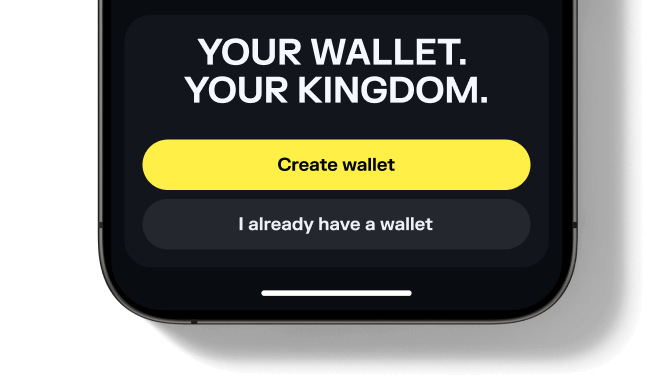
Download and open the Solflare mobile app on your device. Log in to your existing wallet, or create a new one directly in the app.
Don't have an account yet? See our beginner's guide to setting up a Solflare wallet.02
Deposit SOL or another supported token
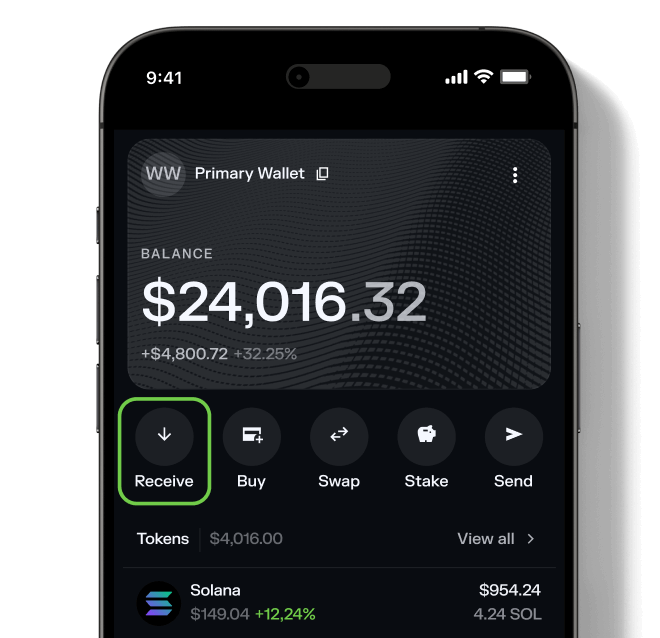
Transfer SOL or any supported SPL token into your Solflare wallet. You can send funds from a centralized exchange, another wallet, or even purchase SOL with fiat directly inside the Solflare app.
Need help? Read our detailed guide on transferring tokens to Solflare.03
Go to the Swap tab
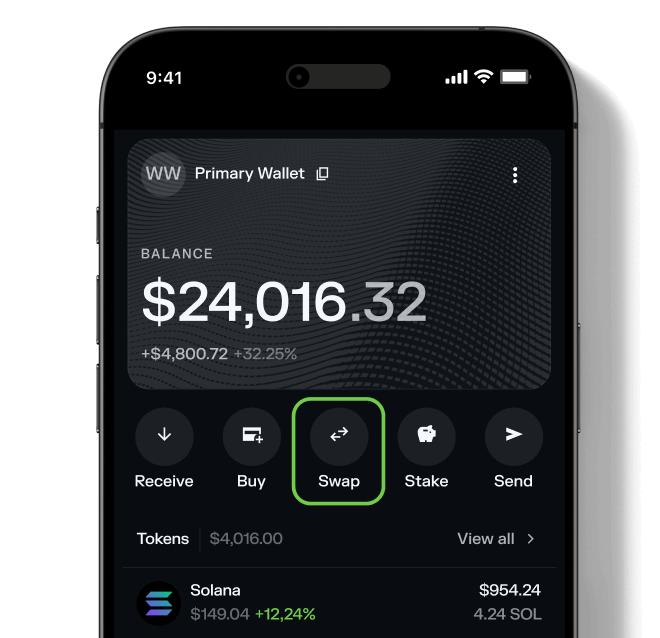
Tap on the Swap tab inside your wallet. This feature lets you trade tokens directly—no need for a separate DEX.04
Select THINKING
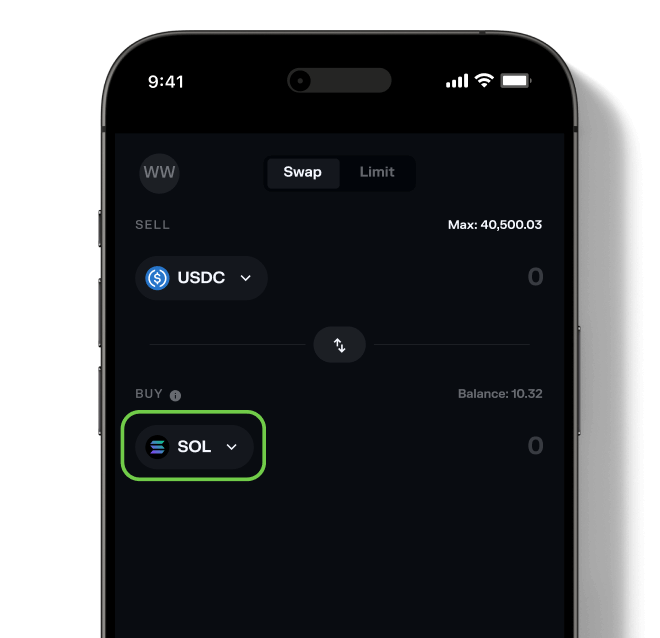
Choose THINKING (THINKING) as the token you wish to purchase. Then, select the asset you want to swap from (for example, SOL or USDC) and enter the amount you want to buy.
Want to see what else you can buy? Explore all tokens available on Solflare.05
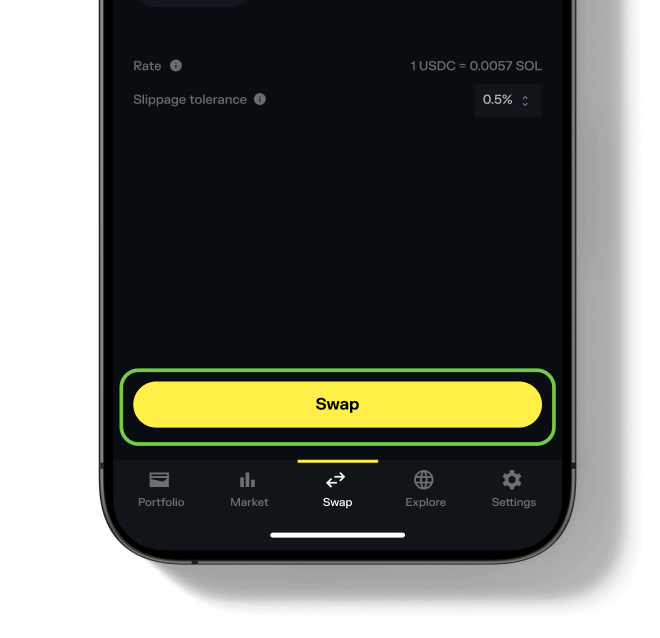
Confirm the swap
Hit "Swap", review the details, and then "Slide to approve". Your new THINKING tokens will appear in your wallet once the transaction is complete.
Need more help? See our full guide to swapping tokens with Solflare.
About THINKING
I THINK THIS IS THE REAL ONE
THINKING contract address
Ticker
Status
FAQ
THINKING FAQ
Can't find what you're looking for? Our help center covers wallets, swaps and every asset class.
Visit help center →


 10.89%