Solflare’s “Market” tab is now organized around how you actually explore and discover assets. Check crypto prices, see what's trending, or browse tokenized stocks, ETFs, and more.
Most wallet market screens work fine if you already know what you’re looking for. You type a token name, it comes up, and you trade it.
But if you open the app without a specific asset in mind, just curious about what’s moving, or looking for something familiar to get into, a flat list of tokens isn’t much help. You get blockchain wrapper names, a sea of tickers, and no real structure to browse through.
The latest Solflare Market update aims to change that.
Find Your Next Trade in Market
Market now works AND feels different across Solflare mobile, extension, and web.
On mobile, the existing surface gets replaced with a real browsing experience. On web, Market becomes the primary navigation entry point for asset discovery, replacing the separate Trade and Stocks nav items. On extension, Market joins the bottom navigation for the first time.
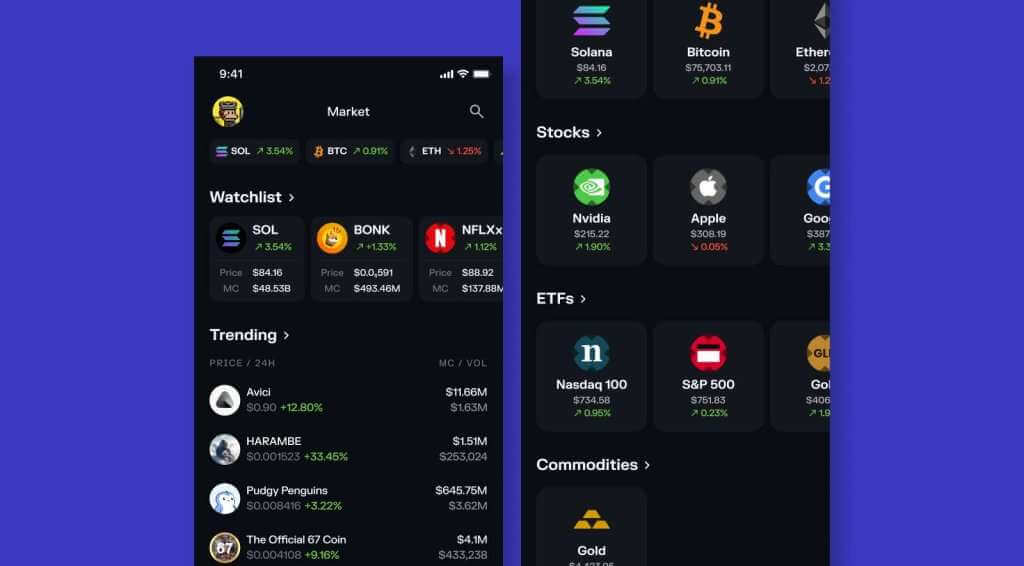
Organized Around How You Actually Browse
Instead of one flat list, Market is now structured into distinct sections, each serving a different intent:
- Market overview
- Watchlist — assets you’re already tracking, right near the top so you don’t have to search for them
- Trending — what’s active right now, for when you want to see where attention is flowing
- Major crypto — Bitcoin, Ethereum, Solana, and other high-recognition names, one tap away
- Tokenized Stocks — Nvidia, Apple, Google, Tesla and more xStocks, browseable without decoding a wrapper first
- Tokenized ETFs — S&P 500, Invesco QQQ, and others on the same page as your crypto
- Commodities — gold and similar, alongside everything else
- Most traded — what Solflare users are actually moving, beyond the curated shelves
Each section continues into a deeper browse surface. Watchlist and Most traded also include sorting options so you can cut the data the way you want.
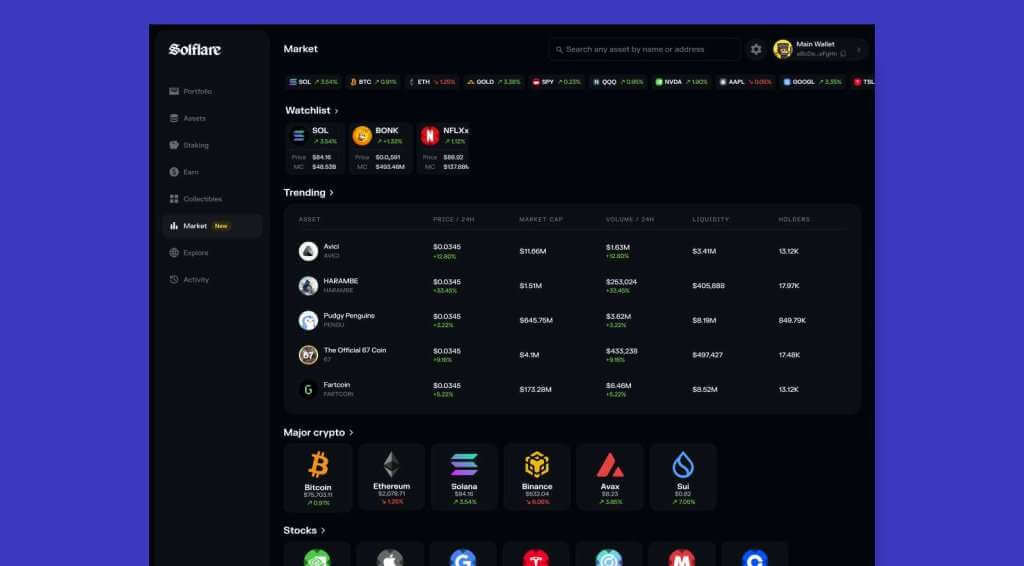
On Solflare web, Market search is reachable from the app header on any page — you don’t need to navigate into Market first to start looking for an asset.
Note: Buy-side access to tokenized stocks, ETFs, and commodities is not available in the US or sanctioned countries.
The Full Path: Discover, Decide, Act
Market is the first step in a connected flow. Once you find something worth trading, the new single-token page lets you tap Buy or Sell and go straight into a pre-filled trade, no setup required. And the updated Swap flow lets you size in dollars and complete the trade without losing your place.
Market is where that path starts. It’s now built to actually begin it.