
would price today
 6.24%
would price chart
J1Wpmugrooj1yMyQKrdZ2vwRXG5rhfx3vTnYE39gpump

would (WOULD) price overview
would (WOULD) is at $0.012933, a 6.24% decrease across 24 hours.
Just in: would (WOULD) 24-hour trading volume is $45.1K, a decrease of 15.83% since the prior day.
Its current market capitalization is approximately $12.9M. Liquidity across major Solana DEXes is currently at $565.1K.
Trade would (WOULD) in the Solflare wallet
You can swap WOULD in seconds using the calculator beside the chart. The Solflare wallet is self-custody, so your private keys stay on your own device. Solflare is available as a browser extension and mobile app.
Every Solana transaction costs a small network fee paid in SOL, so keep a little SOL available to cover it. WOULD swaps then use smart order routing across major Solana DEXes to find the best available rate. Liquidity behind WOULD currently stands at $565.1K, and the deeper that pool, the less a single order shifts the rate. The calculator shows the rate for your own order, based on the liquidity available at that moment.
How to buy would in Solflare
You can buy would (WOULD) in the Solflare mobile app or browser extension: swap from SOL or another token you already hold, or pay by card or bank transfer where that is available. Get Solflare if you do not have it yet, then follow the steps below.
01
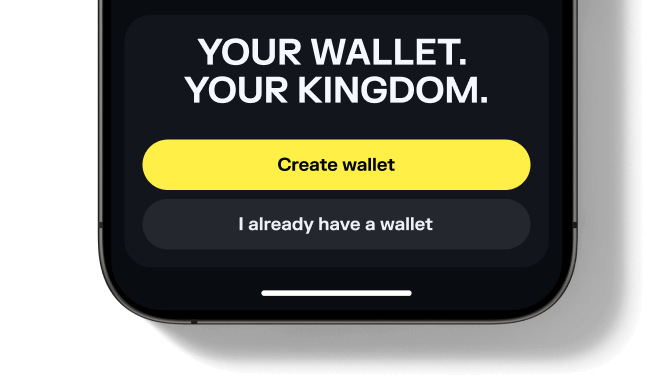
Set up or open your Solflare wallet
Download and open the Solflare mobile app on your device. Log in to your existing wallet, or create a new one directly in the app.
Don't have an account yet? See our beginner's guide to setting up a Solflare wallet.02
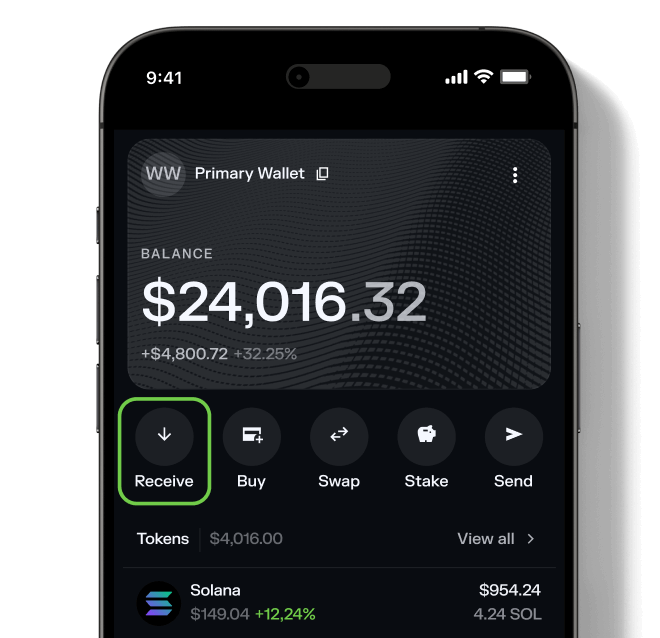
Deposit SOL or another supported token
Transfer SOL or any supported SPL token into your Solflare wallet. You can send funds from a centralized exchange, another wallet, or even purchase SOL with fiat directly inside the Solflare app.
Need help? Read our detailed guide on transferring tokens to Solflare.03
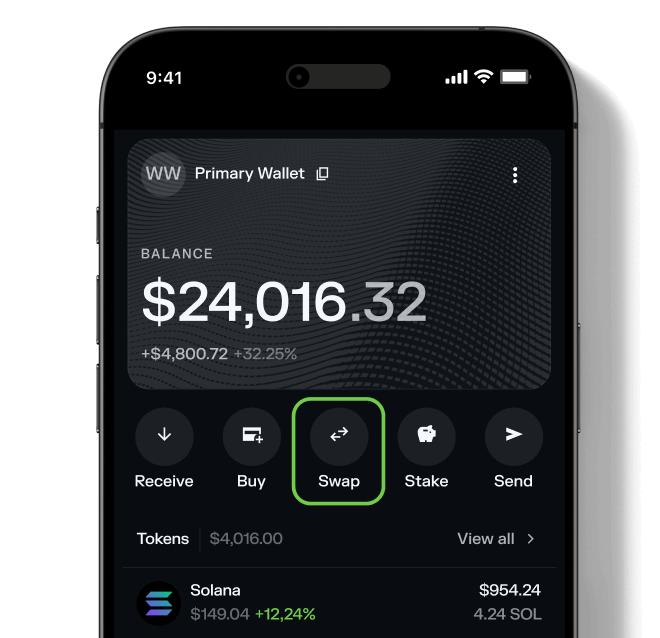
Go to the Swap tab
Tap on the Swap tab inside your wallet. This feature lets you trade tokens directly—no need for a separate DEX.04
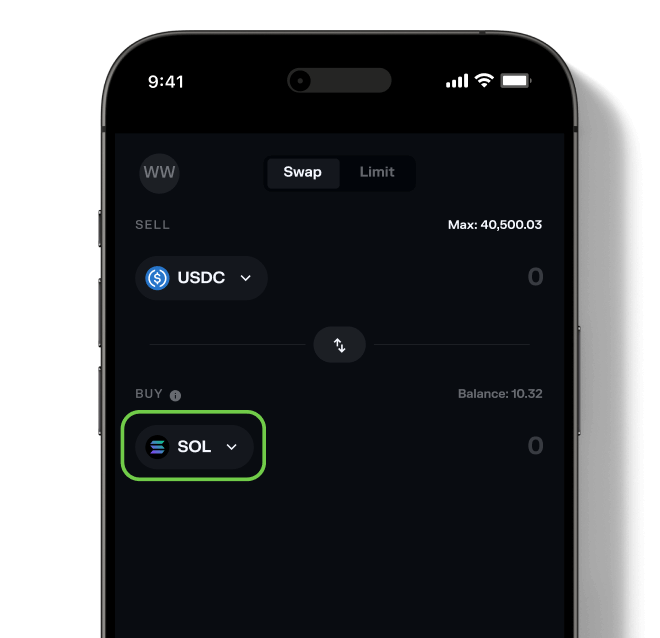
Select would
Choose would (WOULD) as the token you wish to purchase. Then, select the asset you want to swap from (for example, SOL or USDC) and enter the amount you want to buy.
Want to see what else you can buy? Explore all tokens available on Solflare.05
Confirm the swap
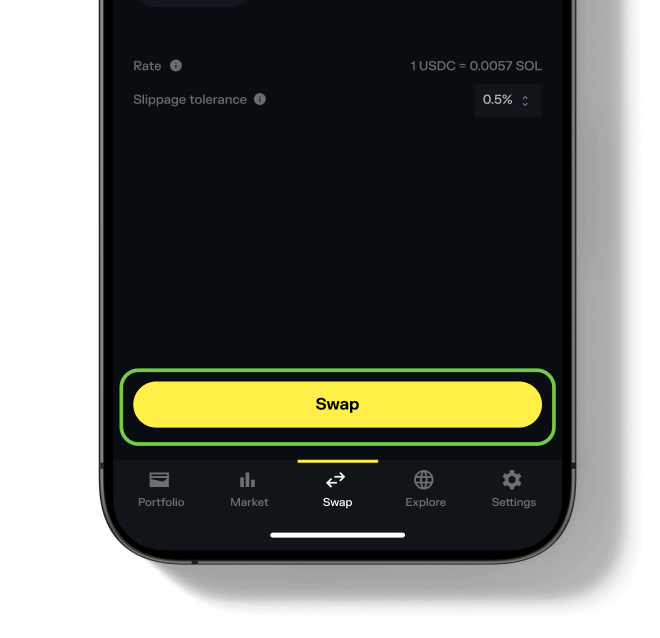
Hit "Swap", review the details, and then "Slide to approve". Your new would tokens will appear in your wallet once the transaction is complete.
Need more help? See our full guide to swapping tokens with Solflare.
FAQ
would FAQ
Can't find what you're looking for? Our help center covers wallets, swaps and every asset class.
Visit help center →


 100.44%
 Website
 X
 Telegram